Backup Modes
GitEcho supports three backup strategies, selectable via the BACKUP_MODE environment variable or the Settings → General page. Each mode trades off between simplicity, storage efficiency, and revision safety.
Option 1 — Git Pull (Default)
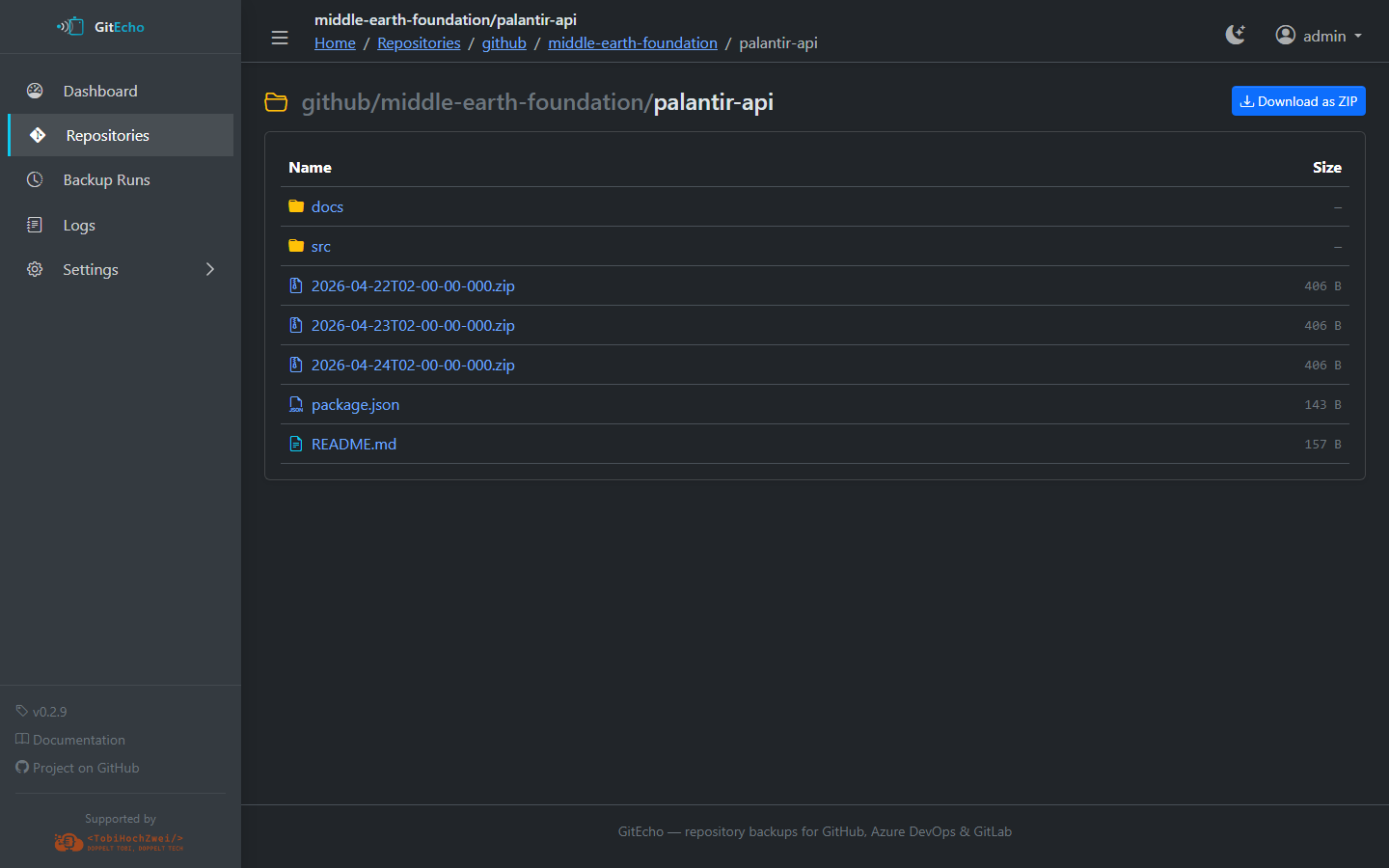
The simplest and most storage-efficient mode. GitEcho clones each repository on the first run and performs git pull on subsequent runs.
How it works:
- First run:
git cloneinto/backups/<provider>/<owner>/<repo>/ - Subsequent runs:
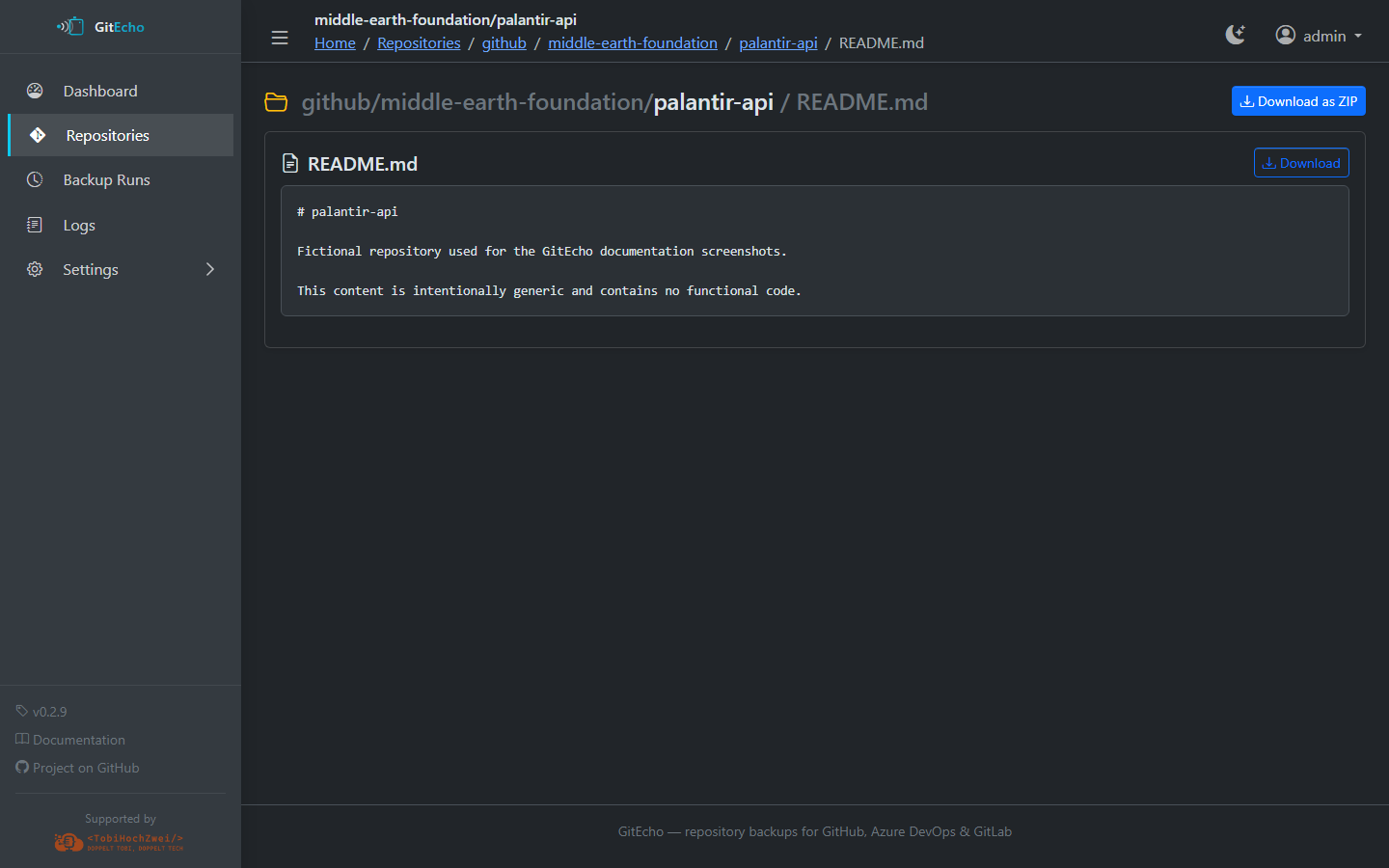
git pullto fetch the latest changes - The Web UI Browse feature lets you navigate files and download ZIPs of any file, folder, or the entire repo
Pros:
 Minimal storage — only one copy of each repo
- Fast incremental updates
- Full git history preserved
- Browse files directly in the Web UI
Cons:
 Force-pushes upstream can rewrite history in the local clone
- No point-in-time snapshots
Best for: Personal backups where you trust the upstream history and want fast, lightweight backups.
Option 2 — Deduplicated ZIP Archives
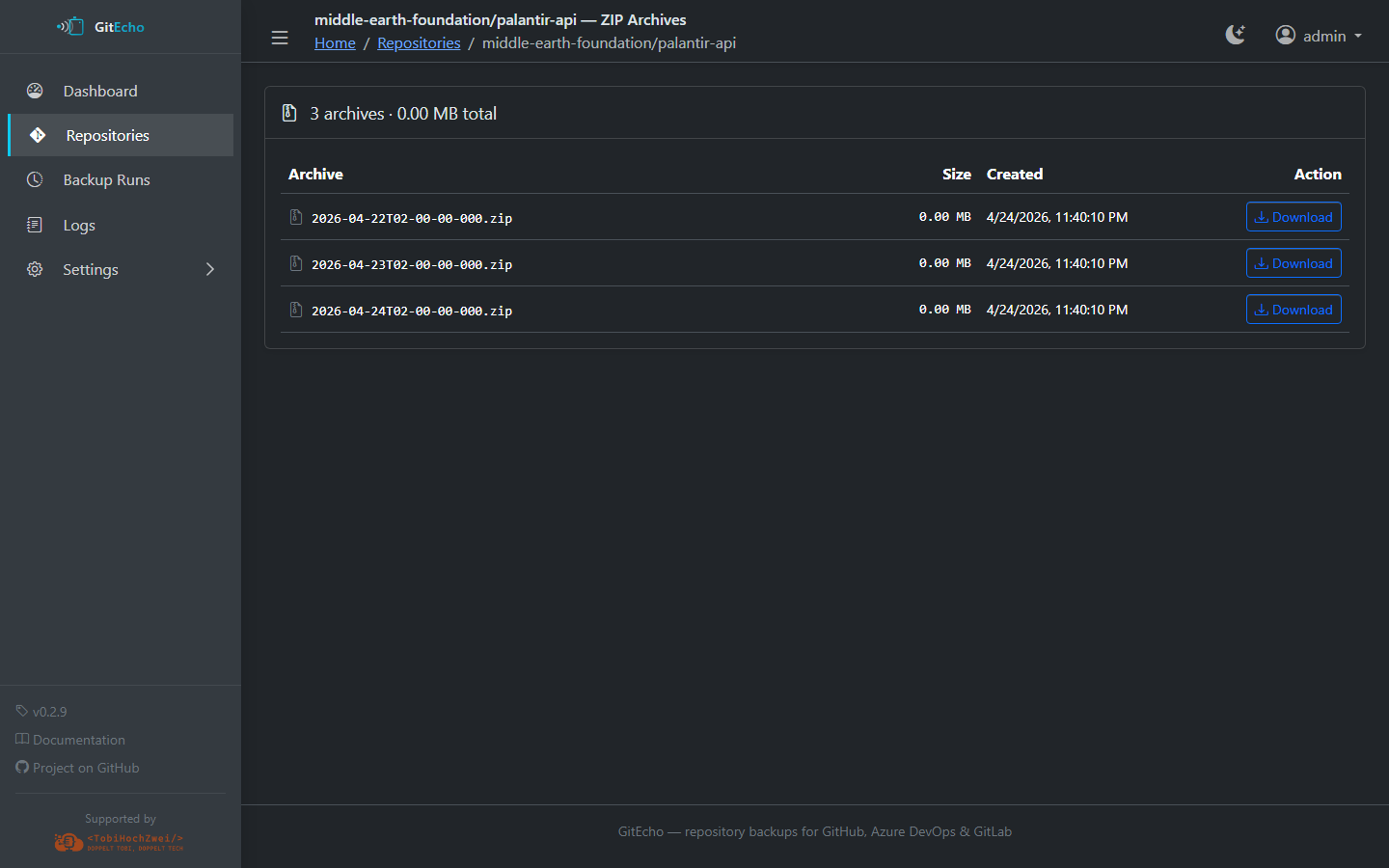
Every backup cycle produces a ZIP archive of the repository. Deduplication via SHA-256 checksum ensures only changed snapshots are kept.
How it works:
- Clone or pull the repo to a temporary location
- Create a ZIP archive of the repository
- Compute SHA-256 of the new ZIP
- If the checksum matches the previous run → discard the new ZIP (no changes)
- If different → store as
/backups/<provider>/<owner>/<repo>/zips/<repo>_<timestamp>.zip
Pros:
- Point-in-time snapshots for every change
- Storage-efficient — identical snapshots are deduplicated
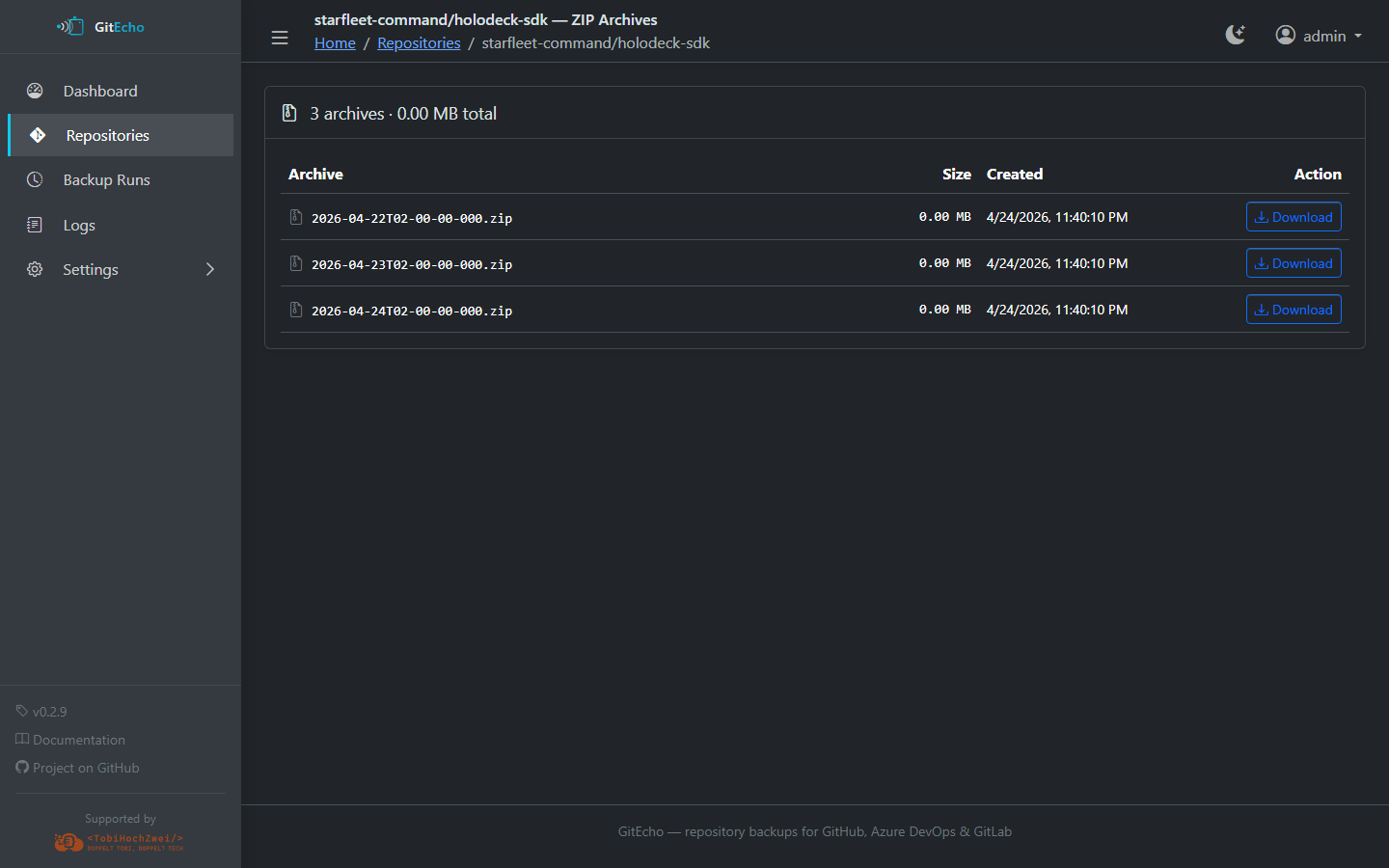
- Download any snapshot from the Web UI
Cons:
- More storage than option1 (accumulates snapshots over time)
- No Browse feature in the Web UI (use ZIP archives page instead)
Best for: When you need an audit trail of repository changes over time.
Option 3 — Mirror + ZIP Snapshots
The strongest revision-safety mode. Maintains a bare git mirror and produces ZIP snapshots on every cycle.
How it works:
- Bare mirror:
git clone --mirrorinto/backups/<provider>/<owner>/<repo>/clone/- Auto-GC disabled (
gc.auto = 0) so unreachable commits survive force-pushes - Remote URL refreshed on each cycle (PAT-rotation safe)
- Updated with
git remote update --prune
- Auto-GC disabled (
- ZIP snapshots:
git archive HEADproduces a ZIP, deduplicated by SHA-256 (same as option2)- Stored at
/backups/<provider>/<owner>/<repo>/zips/<repo>_<timestamp>.zip
- Stored at
Pros:
- Maximum revision safety — even force-pushed commits are preserved in the mirror
- Every branch, tag, and note backed up
- Point-in-time ZIP snapshots for easy restore
- PAT rotation safe (URL refreshed each cycle)
Cons:
- Approximately double the storage of option1 (mirror + ZIPs)
- No Browse feature in the Web UI (bare mirror has no working tree)
Best for: Production and compliance environments where no data loss is acceptable, even after upstream force-pushes.
Comparison
| Feature | Option 1 | Option 2 | Option 3 |
|---|---|---|---|
| Storage usage |  Low Low |
 Medium Medium |
 High High |
| Incremental updates | |
|
|
| Force-push safe | |
|
|
| Point-in-time snapshots | |
|
|
| Browse in Web UI | |
|
|
| ZIP archive downloads | Via Browse | |
|
| All branches & tags | |
(HEAD only) |
(mirror) |
Changing Modes
You can change the backup mode at any time via Settings → General or by updating the BACKUP_MODE environment variable. The next backup cycle will use the new mode. Existing backups from the previous mode are not deleted automatically.
Snapshot Retention
Modes that accumulate timestamped artifacts — option2 ZIP archives, option3 ZIP snapshots (zips/) and TFVC snapshots (snapshots/) — can grow without bound. The optional retention policy applies tiered grandfather-father-son pruning so old snapshots are removed automatically:
- Daily — keep all snapshots newer than N days
- Monthly — keep the newest snapshot per calendar month, for the most recent N months that contain snapshots
- Yearly — keep the newest snapshot per calendar year, for the most recent N years that contain snapshots
A snapshot is kept if it matches any enabled tier. The most recent snapshot per repository is always kept (this is the snapshot matching the repository's current checksum, since a new snapshot is only written when content changes). Pruning runs at the end of every backup cycle, including manual runs — note that even a single-repository manual backup performs a global sweep across all repositories.
Retention does not touch option1 git working trees or the option3 git mirror (clone/); only timestamped .zip snapshots are eligible.
Retention is opt-in and disabled by default (all tiers 0 = keep everything). Configure it under Settings → General or via the BACKUP_RETENTION_DAILY_DAYS, BACKUP_RETENTION_MONTHLY_COUNT, and BACKUP_RETENTION_YEARLY_COUNT environment variables. See Environment Variables for details.
Warning
Reducing retention values deletes more snapshots on the next run, and deletions are permanent.