Web UI
GitEcho ships with a full-featured web interface built on AdminLTE 4 (Bootstrap 5). It supports light and dark mode (toggle in the top bar, persisted in localStorage).
Dashboard (/)
The main landing page shows an at-a-glance overview:
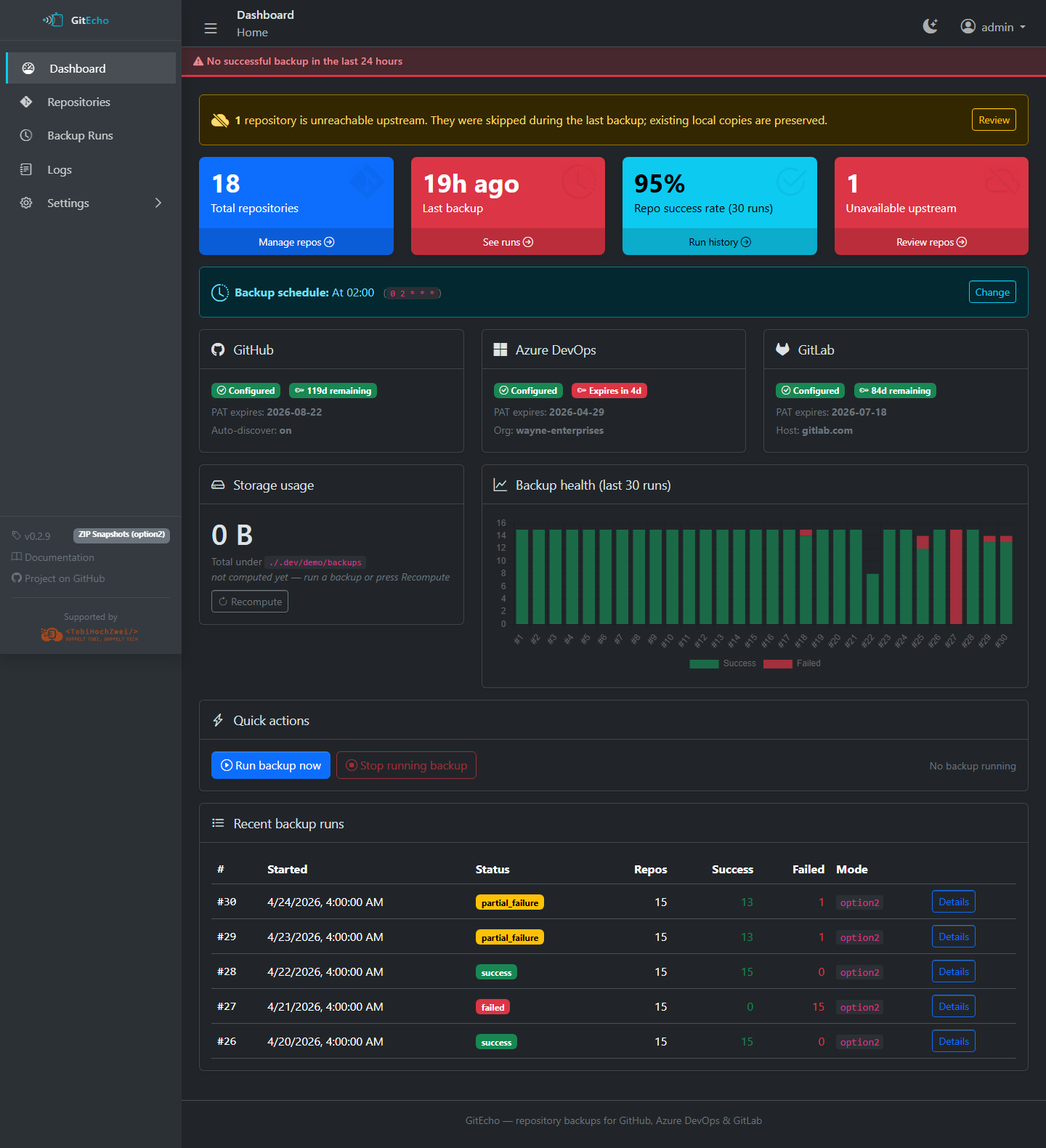
- Total repositories being backed up
- Last backup time and current backup mode
- Storage usage (cached, refreshed after each backup run)
- Most recent backup runs with status summaries
- Background color: green when a successful backup occurred within the last 24 hours, light red otherwise
- Unavailable Upstream count and warning banner when any repository can't be reached
Repositories (/repos)
Lists all known repositories with provider badge, last sync, status and per-repo actions.
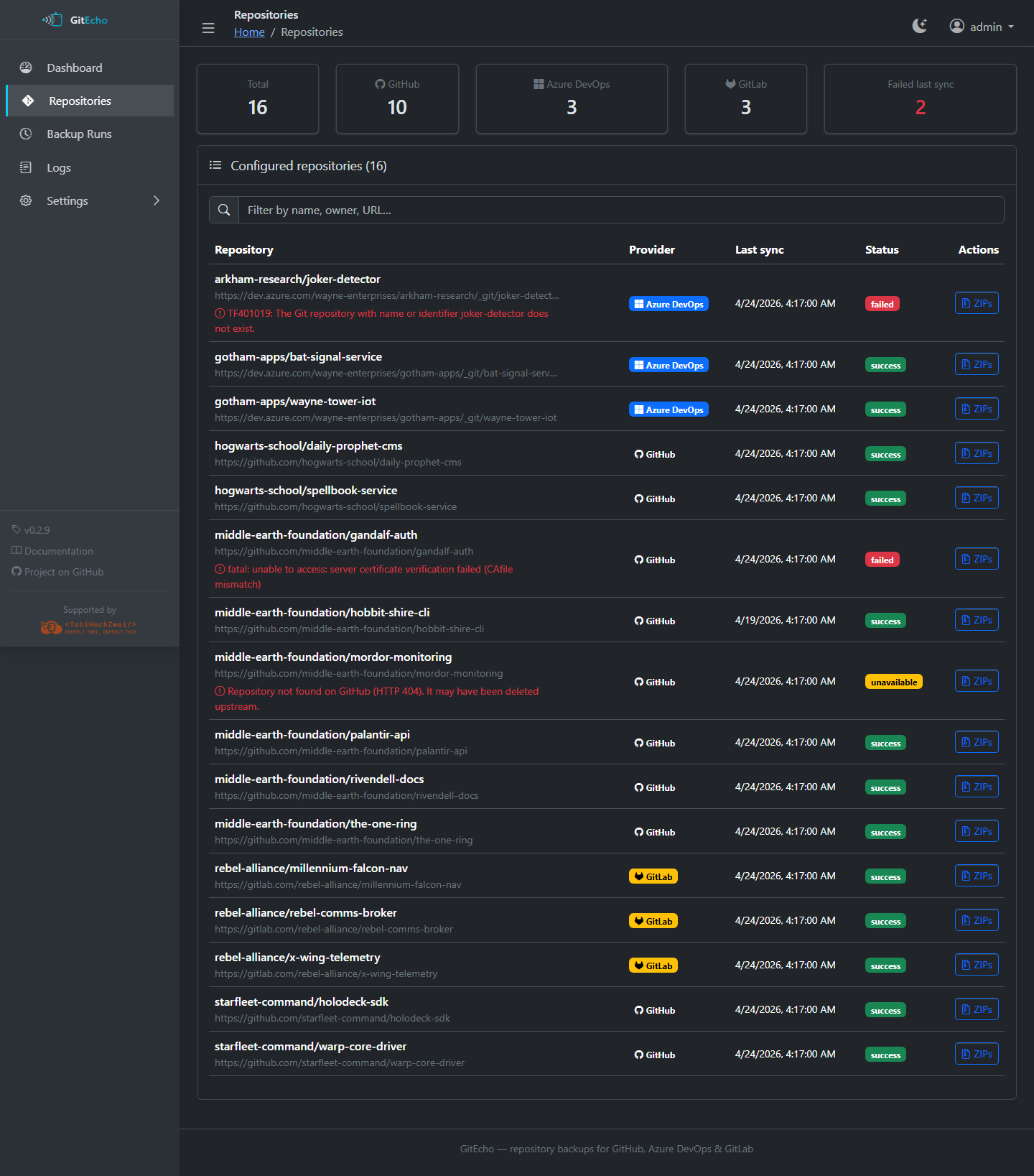
- Provider icon (GitHub, Azure DevOps, GitLab)
- Last sync time and status
- Per-repo actions:
- Browse (option1) — navigate files in the Web UI
- ZIP archives (option2 and option3) — list stored snapshots
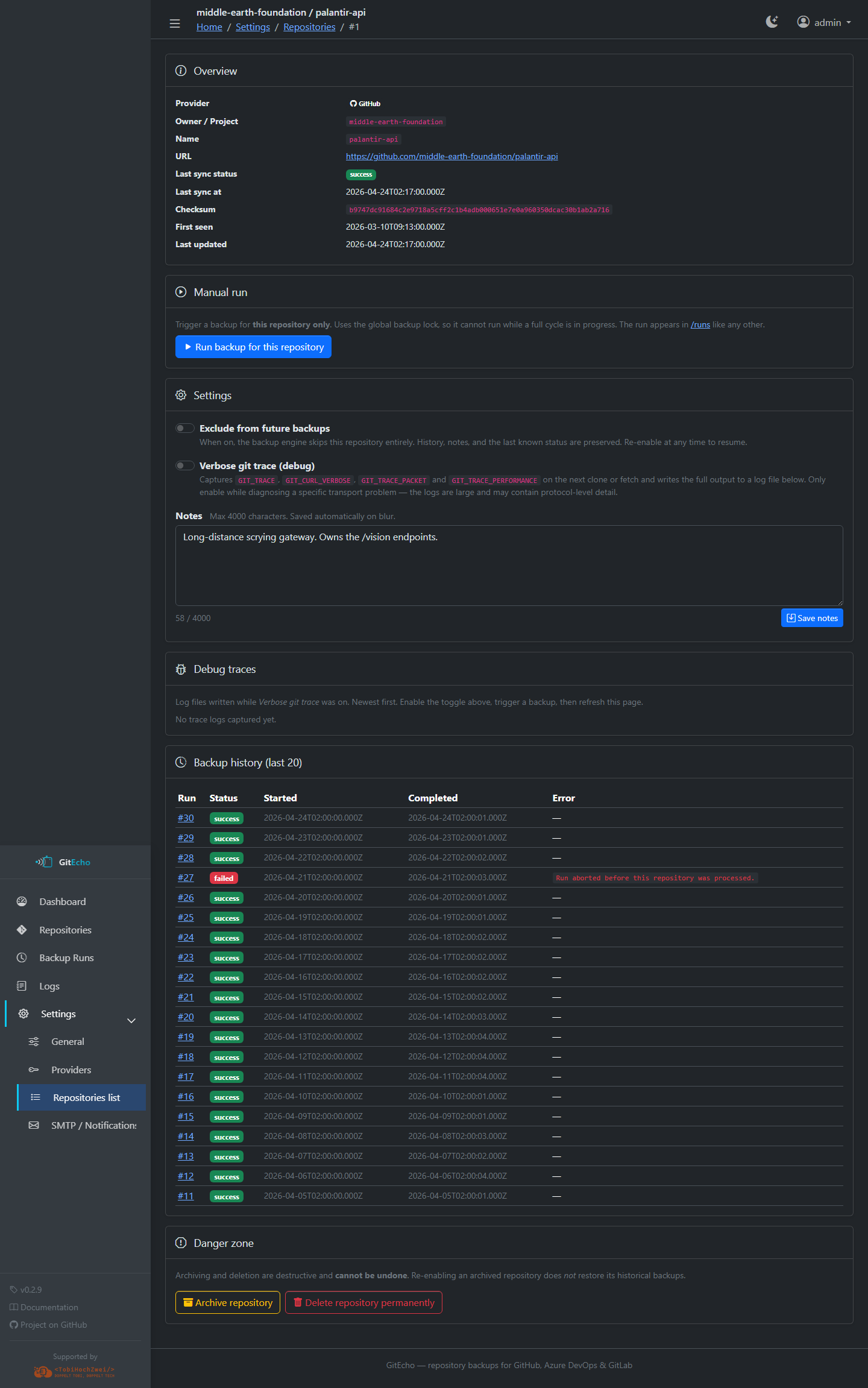
Repository detail (/settings/repos/<id>)
Per-repo configuration, notes, danger zone (archive / delete), and the most recent backup attempts.
Backup Runs (/runs)
Chronological history of all backup runs.
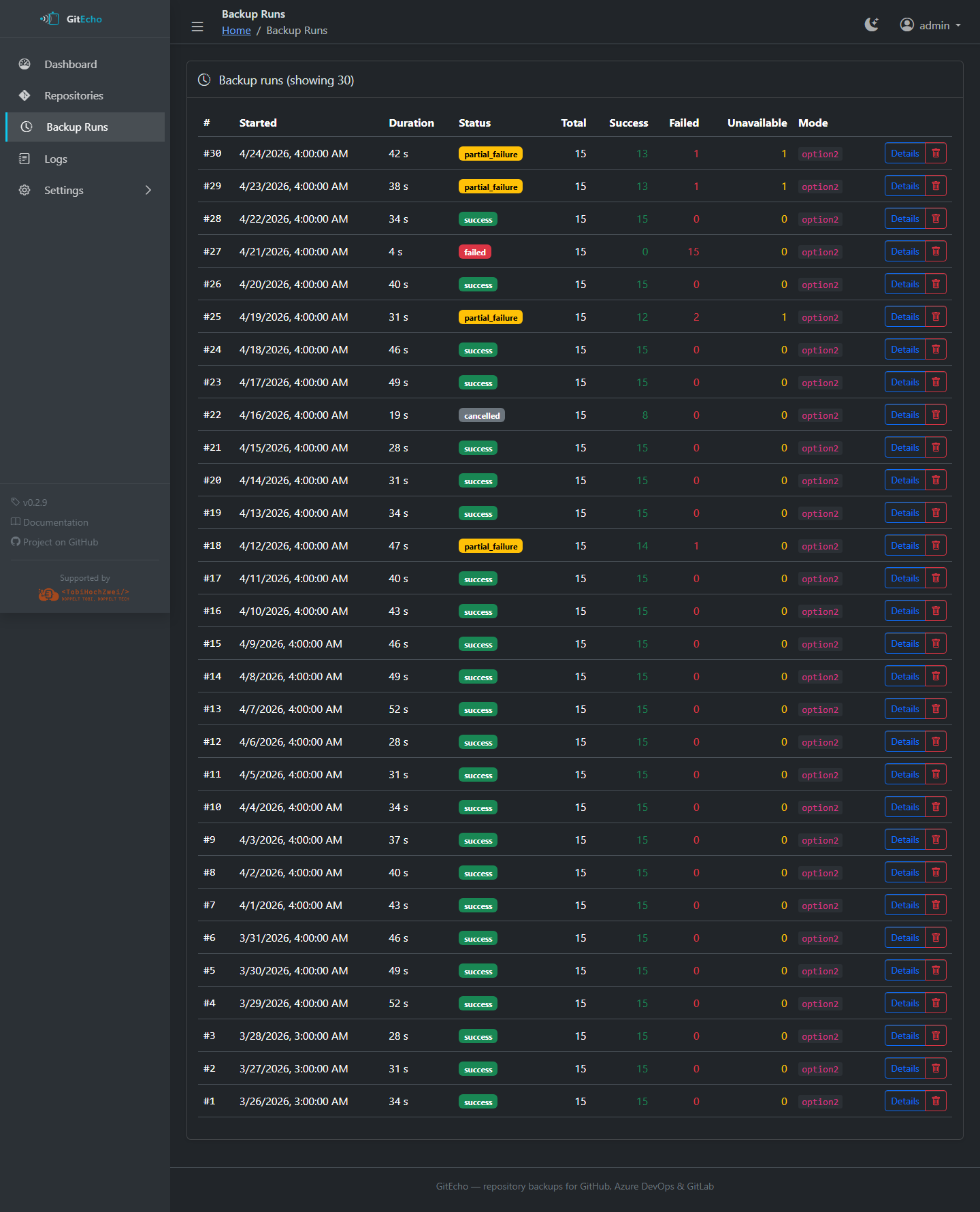
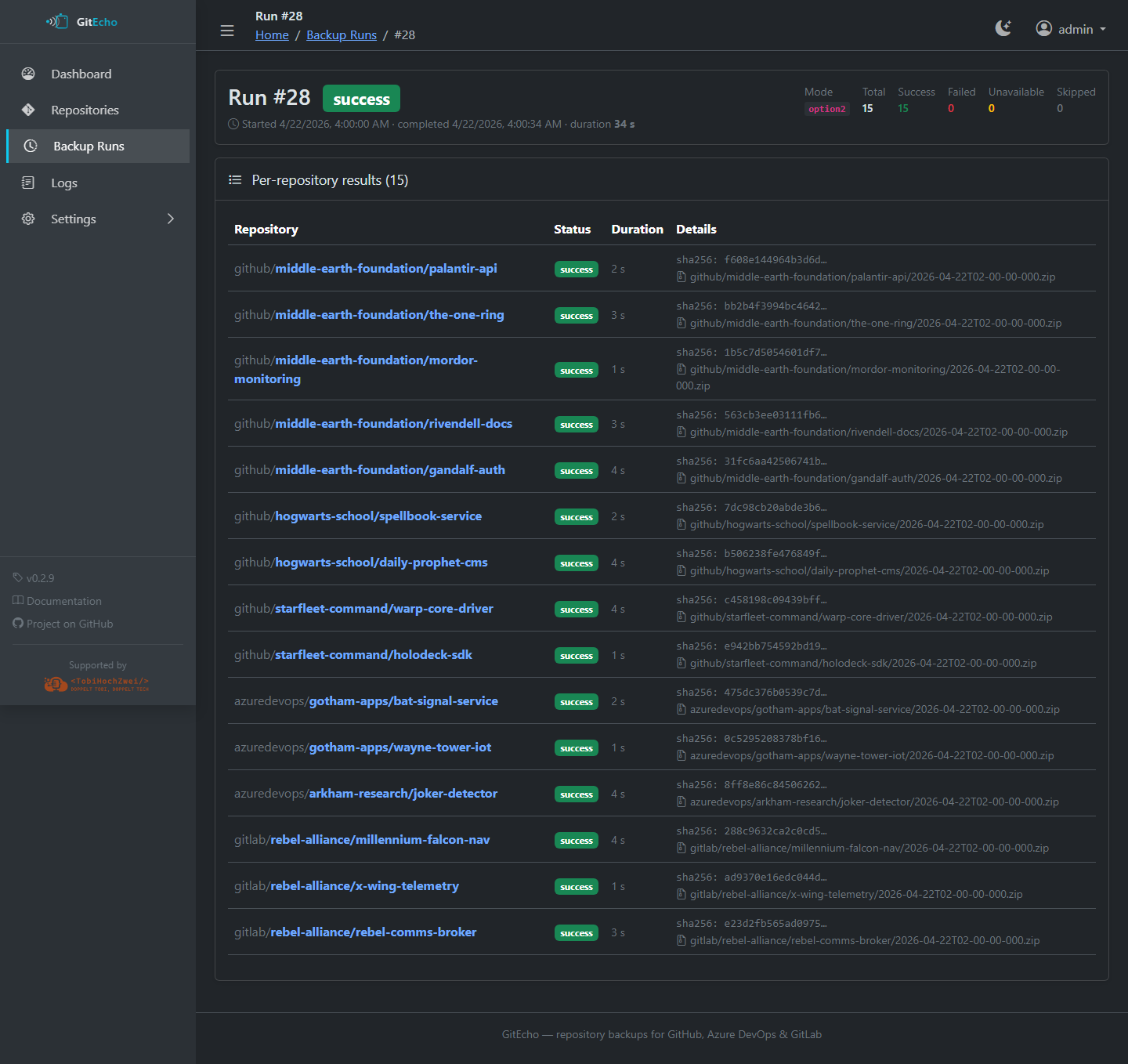
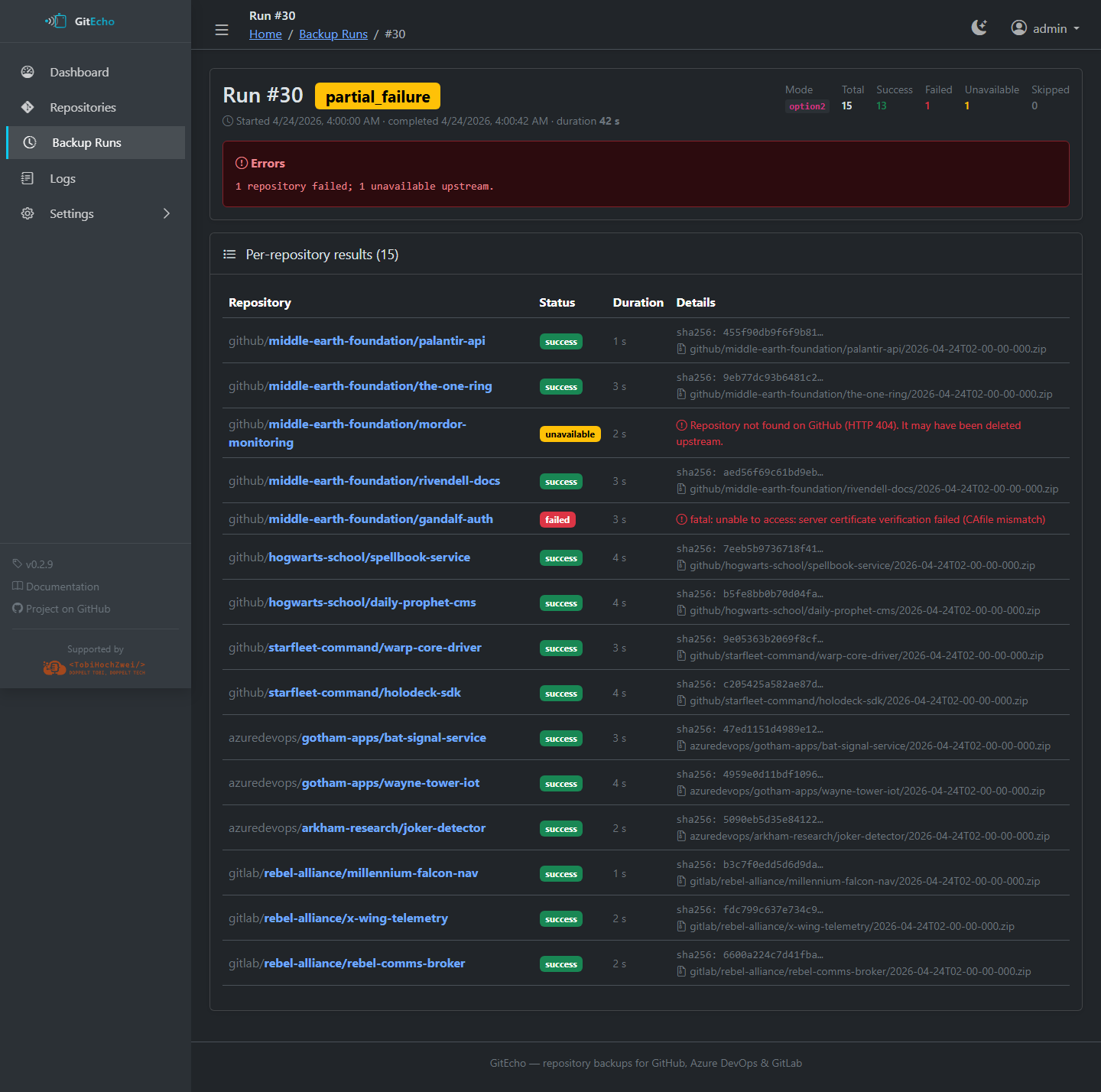
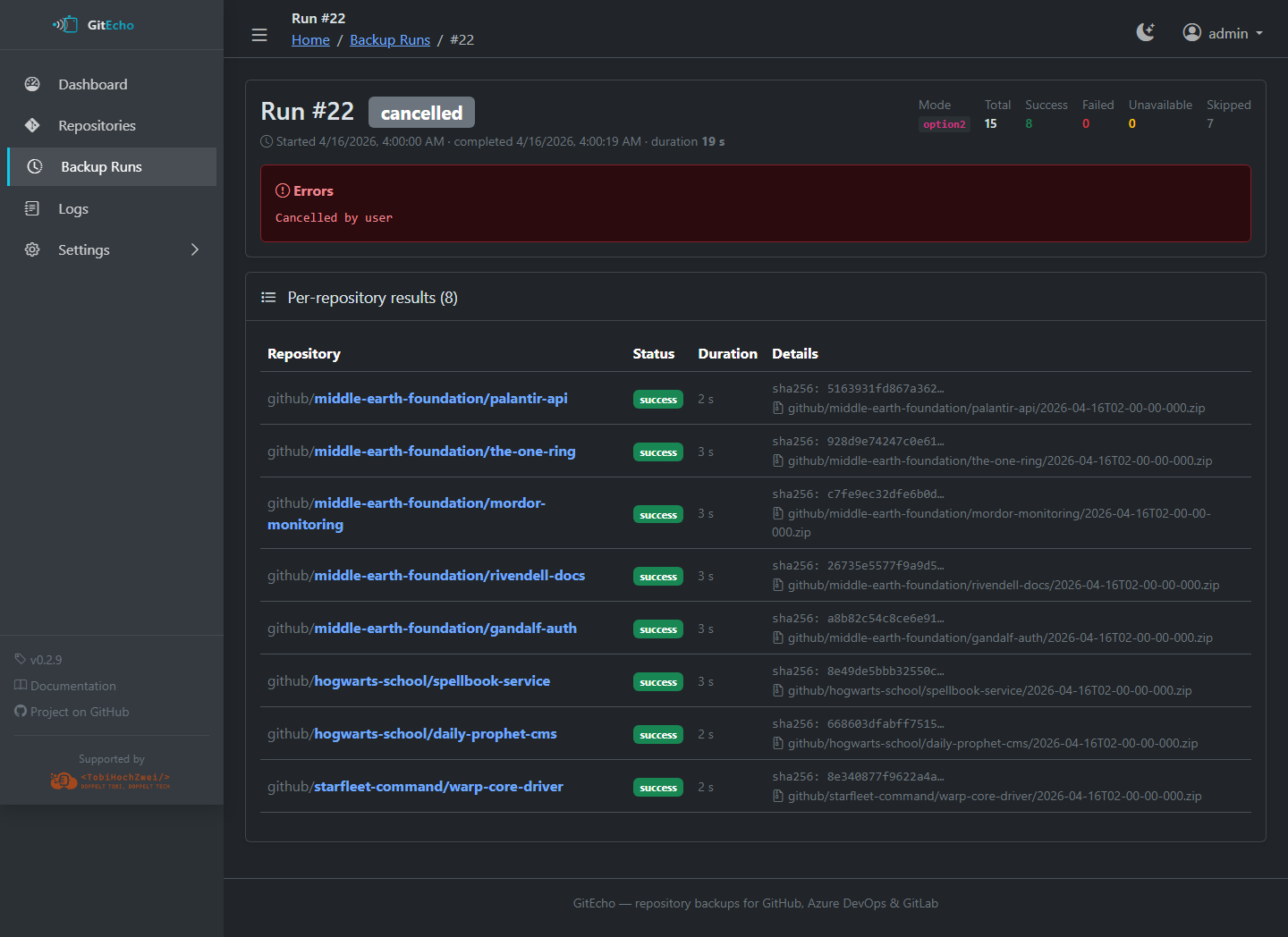
Click a run to see the per-run detail (/runs/<id>) with every repository that was processed, including status, error messages, ZIP paths, and SHA-256 checksums.
Browse (/browse/...)
Note
Only available for repositories using option1 (git pull).
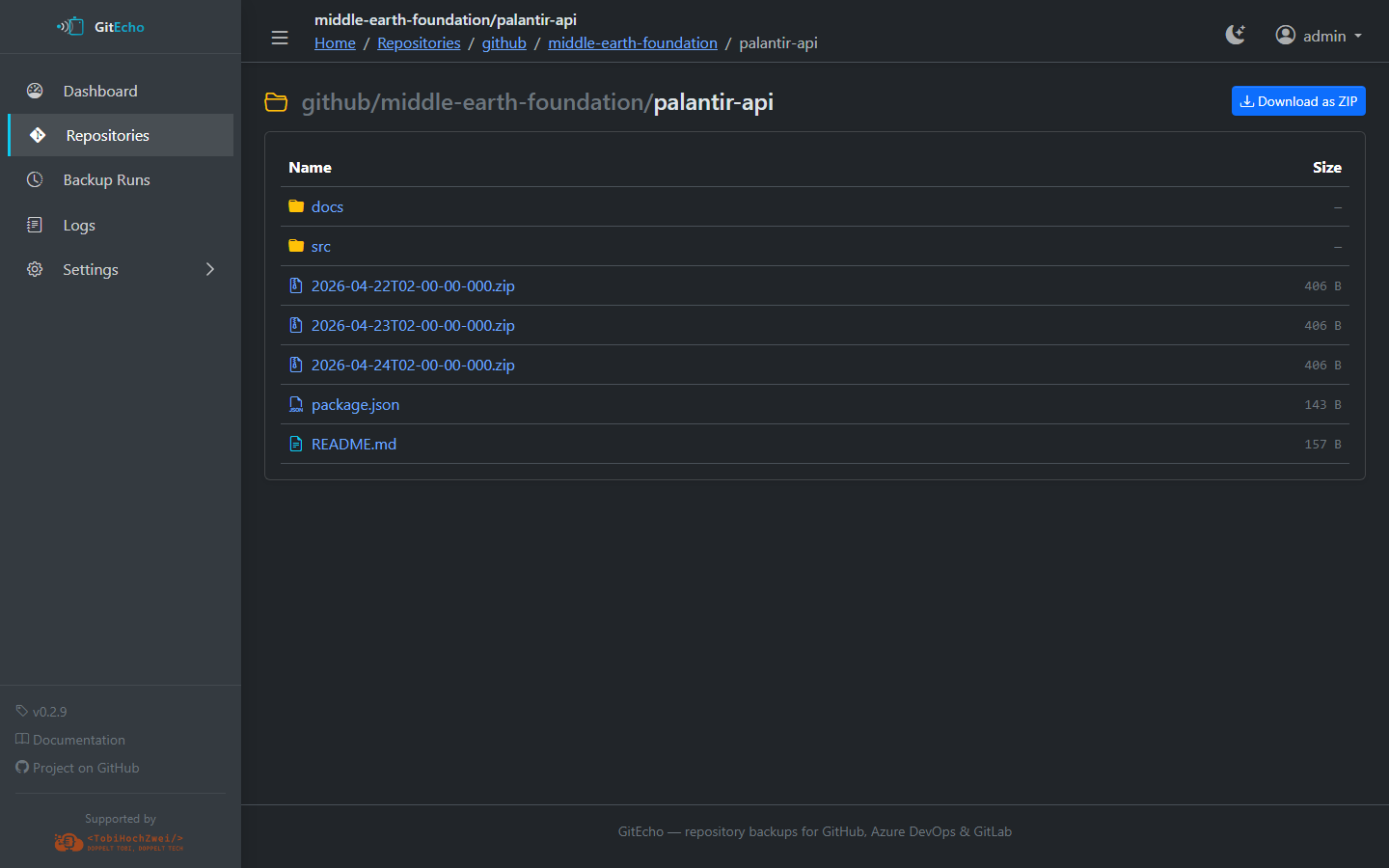
Read-only file and folder navigation of cloned repositories.
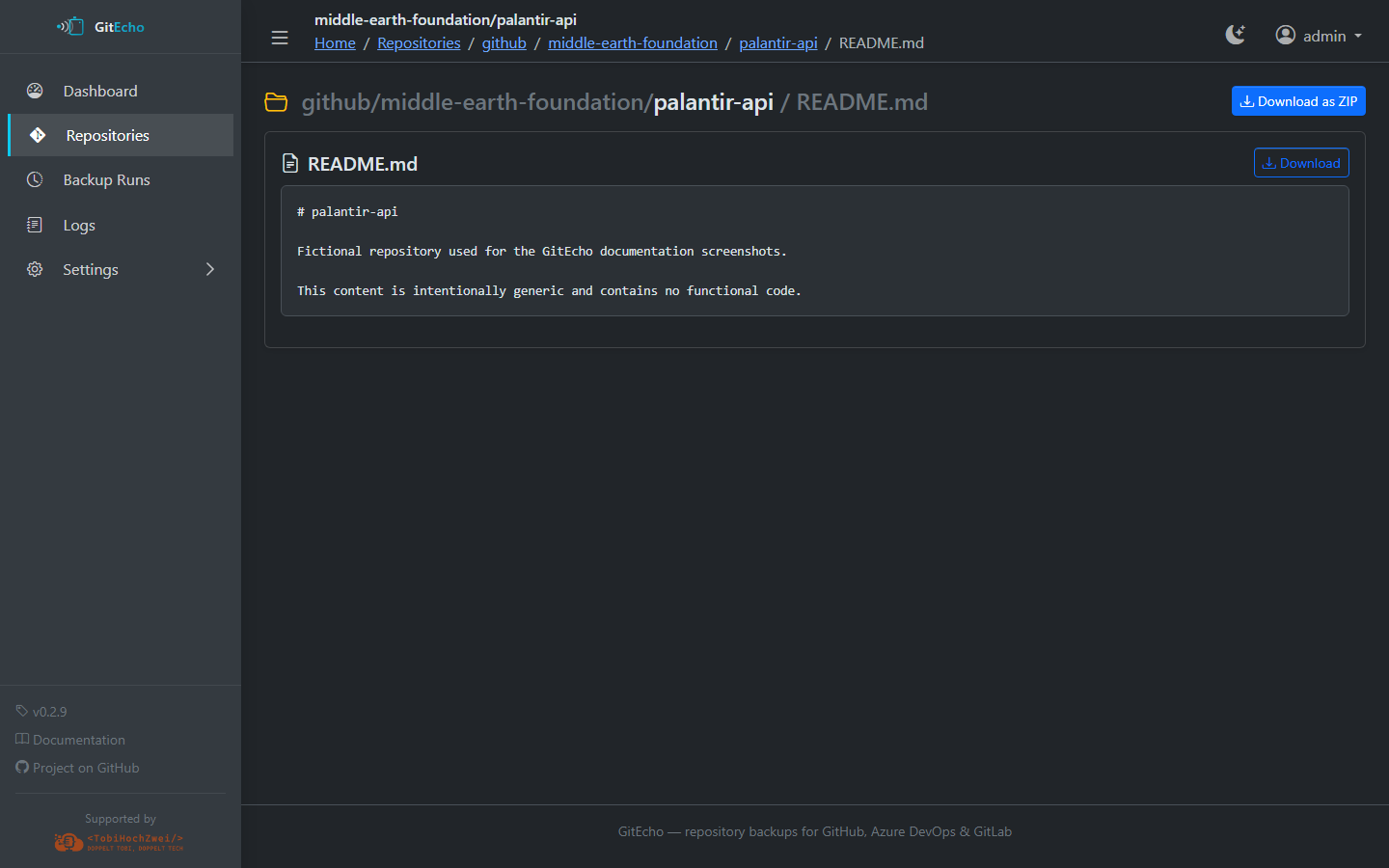
Features:
- Directory listing with file sizes and last-modified dates
- File content preview
- Download as ZIP — for individual files, folders, or the entire repository
ZIP Archives (/zips/...)
Note
Only available for repositories using option2 or option3.
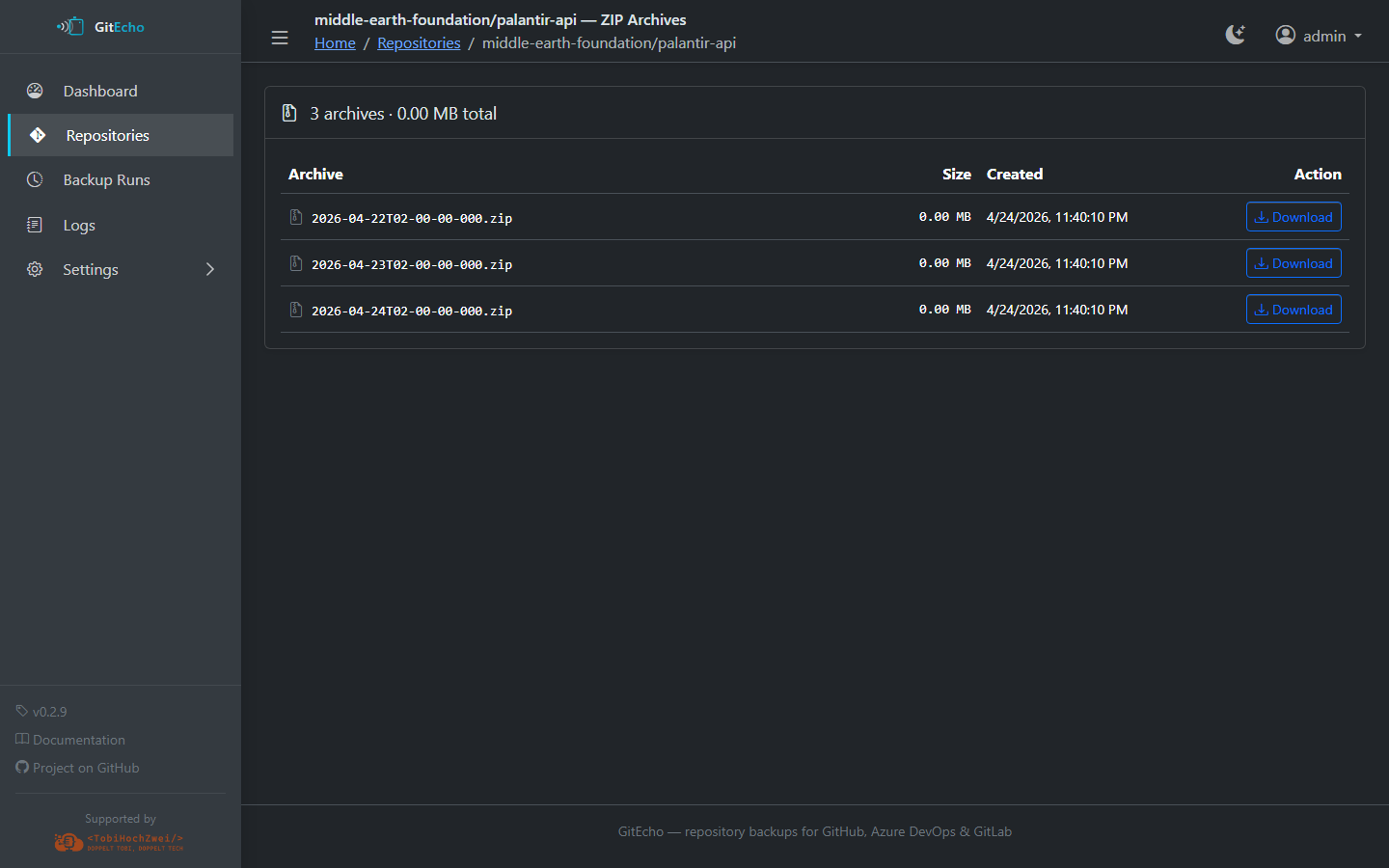
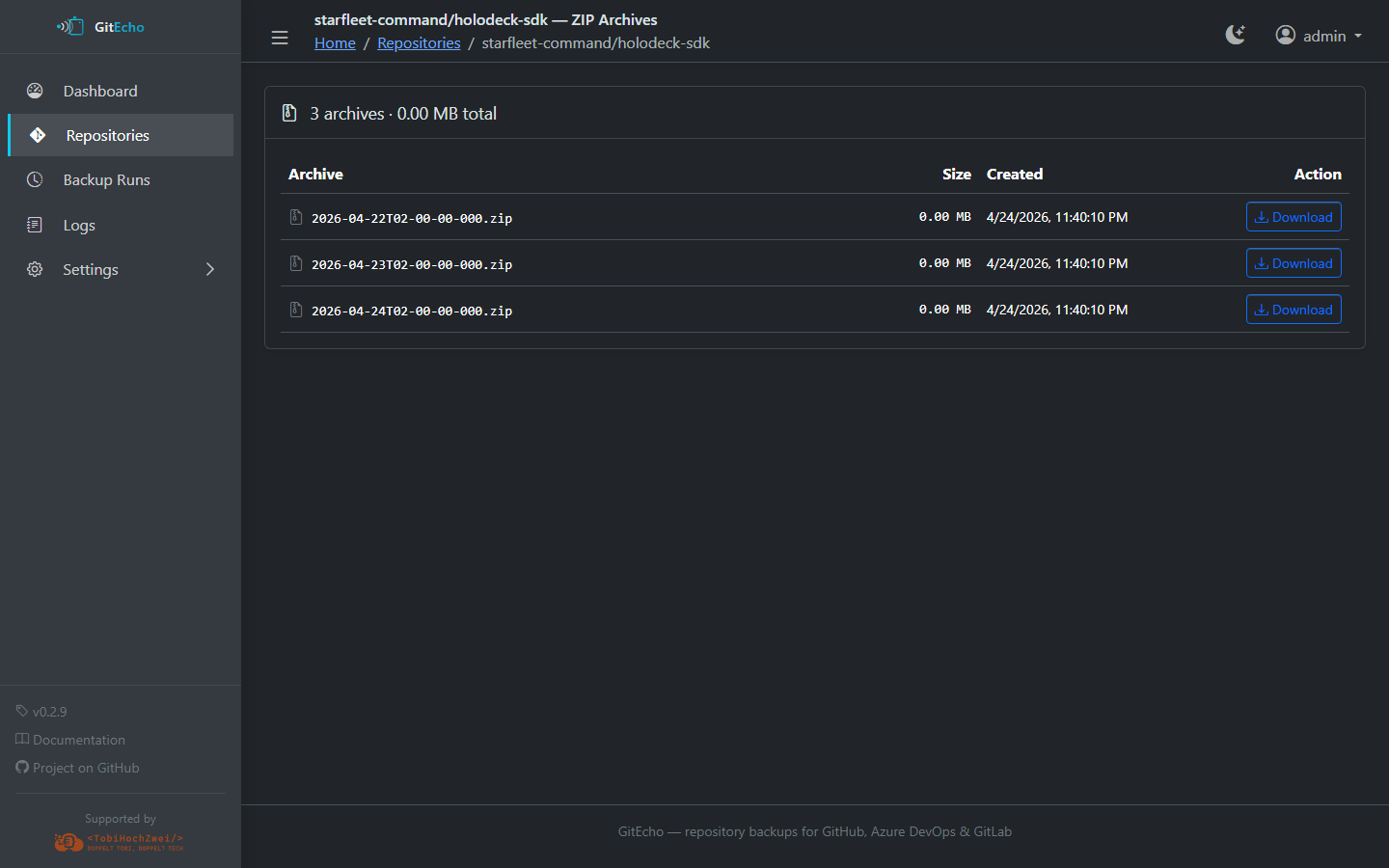
Lists all stored ZIP snapshots for a repository with file size, creation date and direct download links.
Logs (/logs)
Live view of GitEcho's structured JSONL log (/data/gitecho.log).
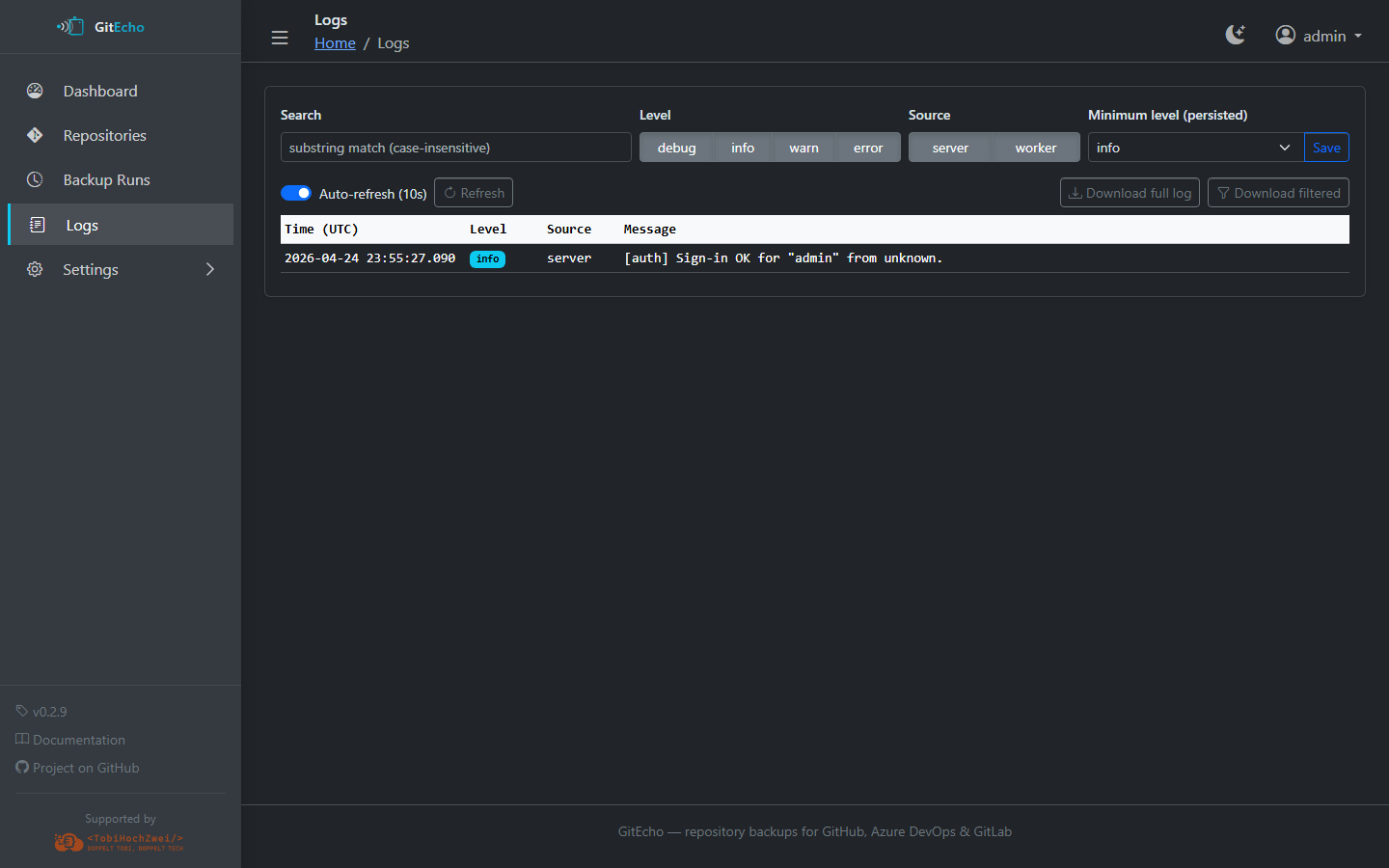
- Filtering by level (debug, info, warn, error), source (server, worker), and free-text search
- Download button for rotated log files
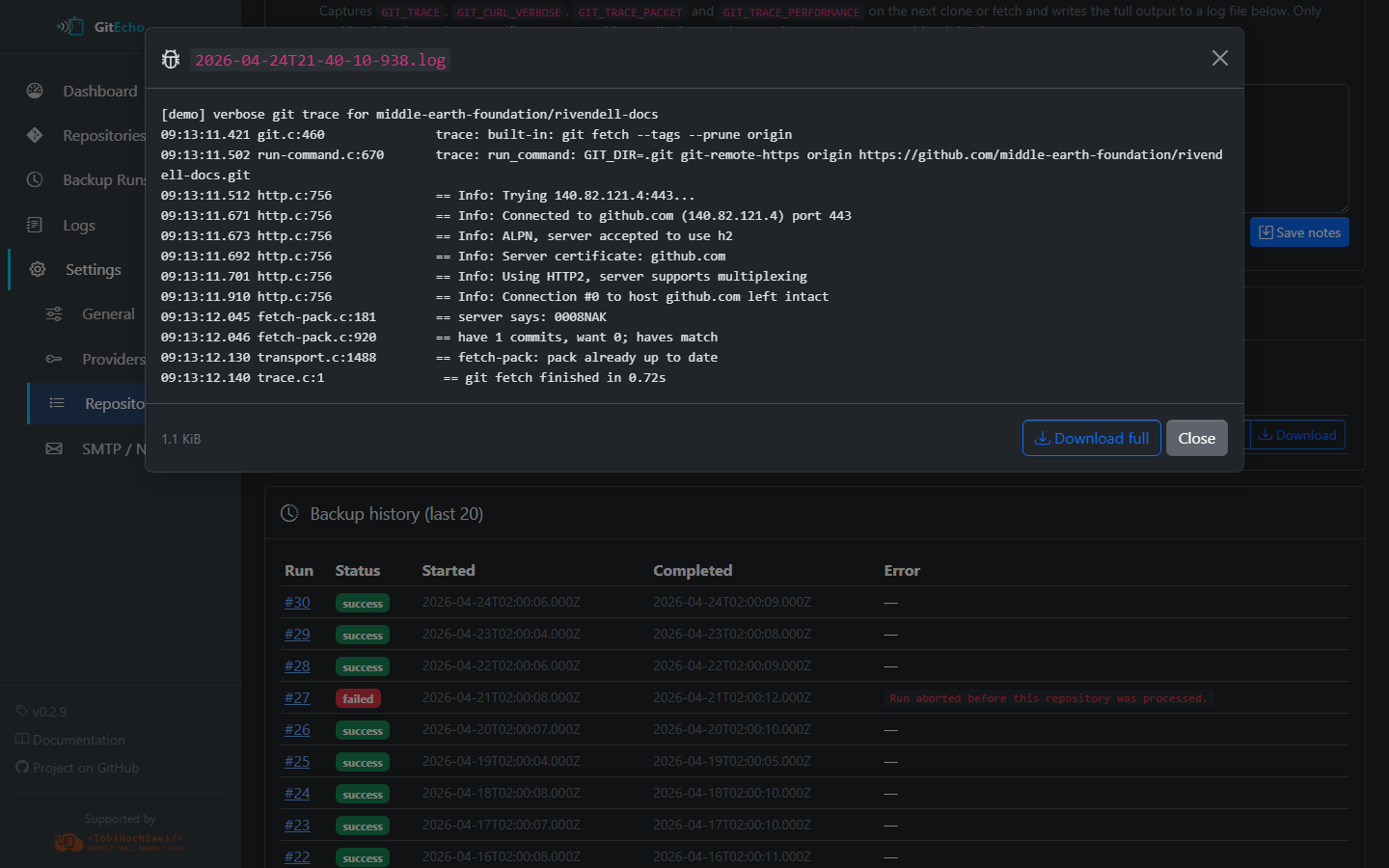
Per-repo debug trace
When a repository's verbose GIT_TRACE toggle is enabled, every backup attempt produces a downloadable trace file under the repo detail page.
Settings
The Settings section (/settings) provides full configuration management:
| Page | Description |
|---|---|
Repositories (/settings/repos) |
Add/remove URLs, view source badges (discovered vs. extra), manage extras from repos.txt |
Repository Detail (/settings/repos/<id>) |
Per-repo status, notes, exclude toggle, verbose git trace toggle, debug trace downloads, last 20 backup attempts |
Providers (/settings/providers) |
Configure PATs, test connections, toggle auto-discovery, set allow/deny lists, manage blacklists |
SMTP (/settings/smtp) |
Configure email notifications, send test emails |
General (/settings/general) |
Change backup mode, edit cron schedule, trigger manual backup |
Account (/settings/account) |
Change admin password |
See Settings UI reference for a screenshot of every tab.