Troubleshooting
Common issues and their solutions.
Container Startup
MASTER_KEY is required
Cause: The MASTER_KEY environment variable is not set. GitEcho refuses to start and surfaces a 503 page:
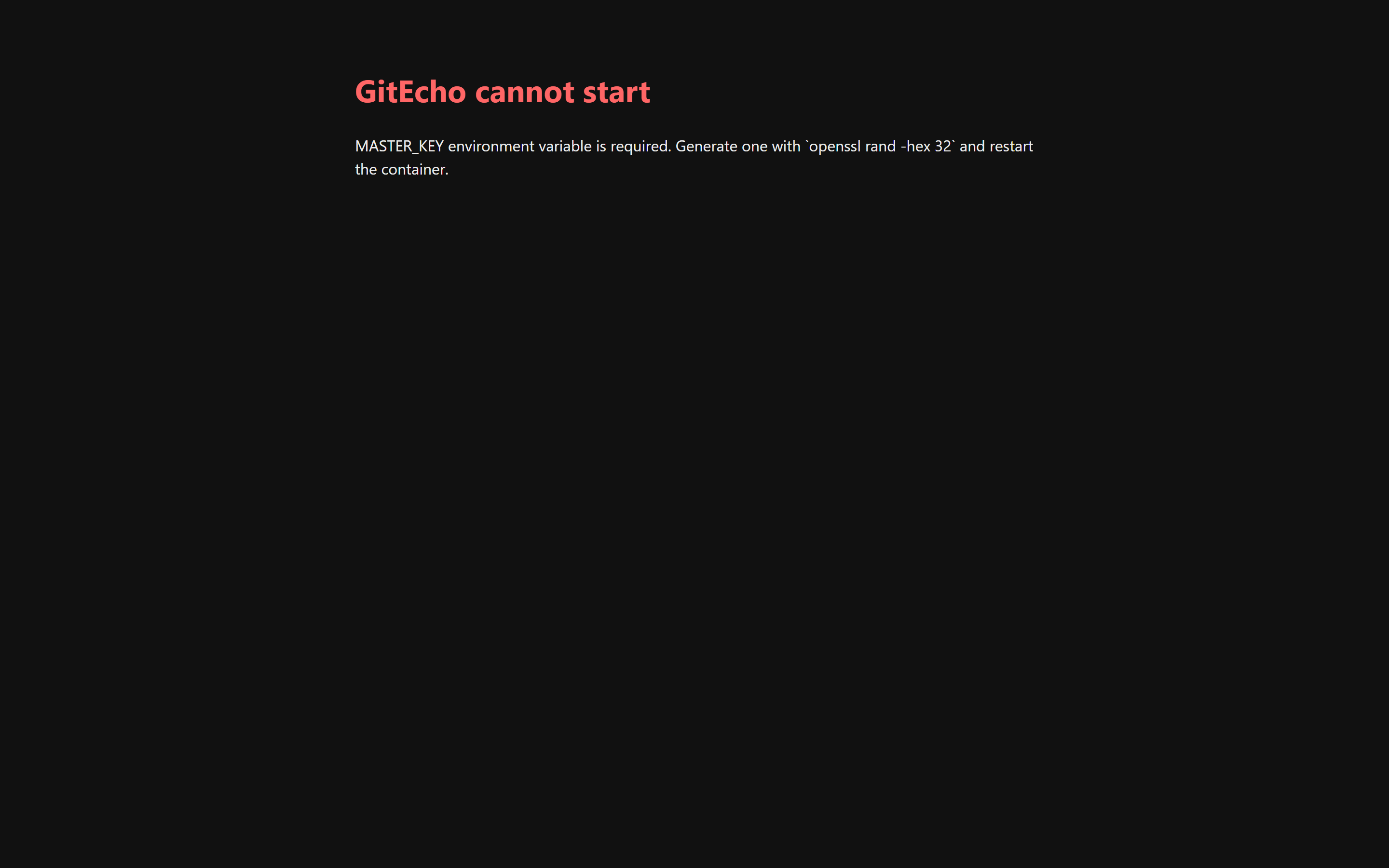
Fix: Generate a key and add it to your configuration:
Add the output as MASTER_KEY in your docker-compose.yml or -e MASTER_KEY=... in your docker run command.
Mount point permission errors (Synology / NAS)
Cause: Docker bind mounts inherit host ownership. The container's gitecho user can't write to the mounted directories.
Fix: Set PUID and PGID to match the host directory owner:
# On the host, check ownership:
ls -ldn /volume1/docker/gitecho/config
# First number = UID, second = GID

# In docker-compose.yml:
environment:
  PUID: "1026"
  PGID: "100"
Then recreate the container:
If Synology ACLs are involved (a + in the permission bits), also grant full rights via DSM → Shared Folder → Permissions.
Authentication
Login redirects back with error=invalid
Cause: Wrong username or password. The default bootstrap is admin / admin.
Fix: To reset credentials, stop the container and delete /config/secrets.json, then restart. GitEcho will re-bootstrap the default admin account.
"Password change required" blocks everything
Cause: This is expected behavior on first login. GitEcho forces a password change before allowing any other navigation.
Fix: Complete the password change at /settings/account.
Login fails with Unexpected token 'C', "Cross-site"... is not valid JSON
Cause: The browser is accessing GitEcho via a hostname or port that doesn't match the PUBLIC_URL environment variable (or it's not set). The middleware rejects the POST request as a cross-site forgery, returning plain-text "Cross-site requests are not allowed" which the browser tries to parse as JSON, triggering the error.
Fix: Set PUBLIC_URL to match the URL in your browser's address bar:
# Example: accessing via http://192.168.1.100:3000
docker compose down
export PUBLIC_URL="http://192.168.1.100:3000"
docker compose up -d

# Or in docker-compose.yml:
# environment:
#   PUBLIC_URL: "http://192.168.1.100:3000"
If you have multiple access paths (e.g. http://localhost:3000 and http://192.168.1.100:3000), list them comma-separated:
To disable the CSRF origin check entirely (not recommended for production):
Why are only public GitHub repositories discovered?
Cause: The configured GitHub PAT does not have the required scope/permissions for private repository discovery.
GitEcho's GitHub discovery path relies on gh repo list, and the token must include:
- Classic PAT:
repoandread:org(especially required for private org repositories) - Fine-grained PAT: Repository permissions Metadata: Read and Contents: Read, plus explicit access to the target repository/repositories or organization
If these permissions are missing, discovery may return only public repositories or an incomplete subset.
Fix: Create/update the PAT with the required permissions, then run Settings → Providers → GitHub → Discover now.
Backup Issues
Worker logs Another process is already running a backup
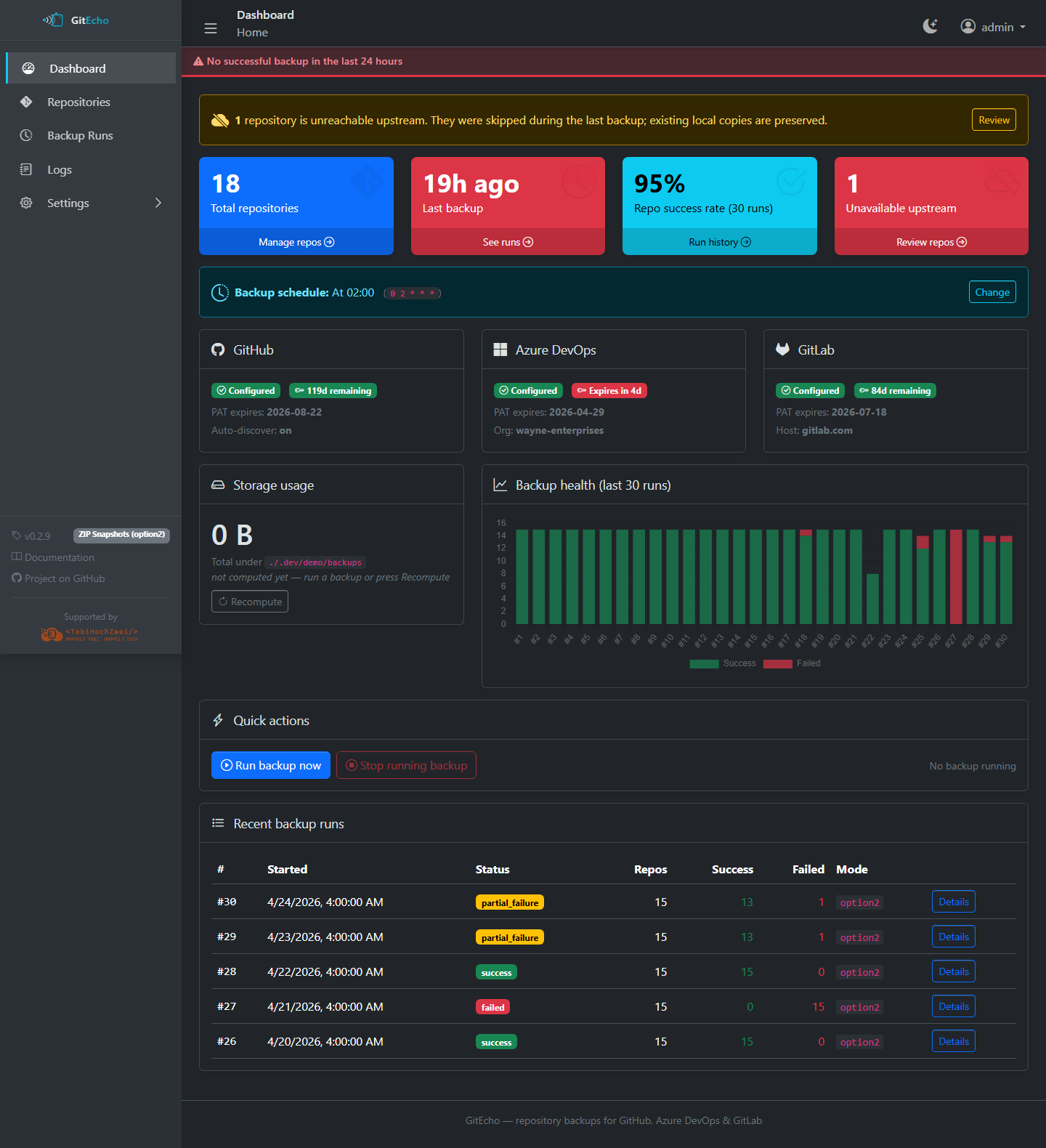
Cause: A previous backup run crashed and left /data/.backup.lock. The lock self-heals once the recorded PID is no longer alive. While the lock is held, the dashboard's Quick Actions card reflects this:
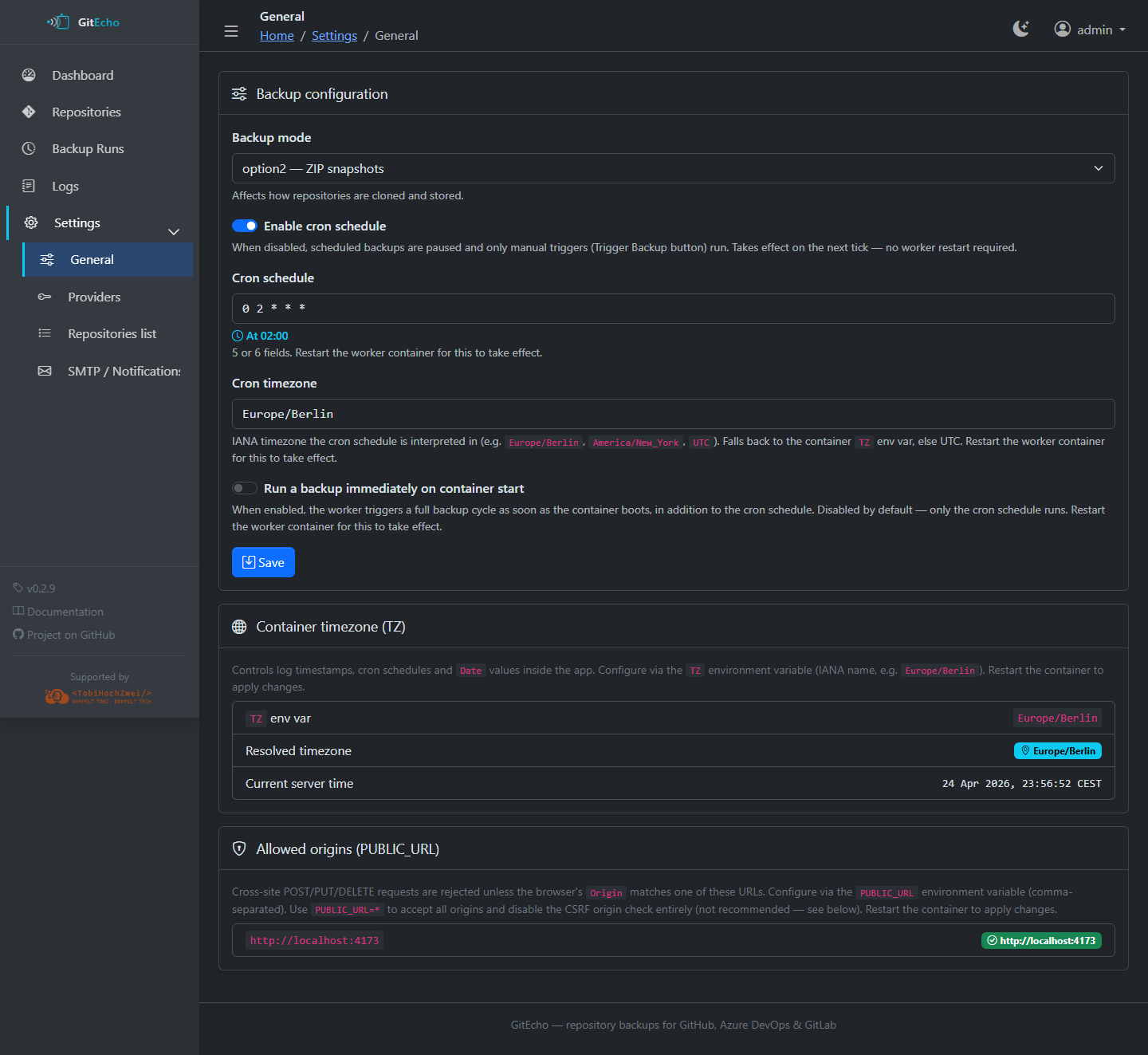
Fix: If the lock persists, delete the file manually:
One repo fails while others succeed
Common errors: curl 56 Recv failure: Connection reset by peer, fatal: early EOF, HTTP/2 stream CANCEL, fetch-pack: unexpected disconnect
Diagnosis:
-
Open
/settings/repos/<id>and enable Verbose git trace (debug)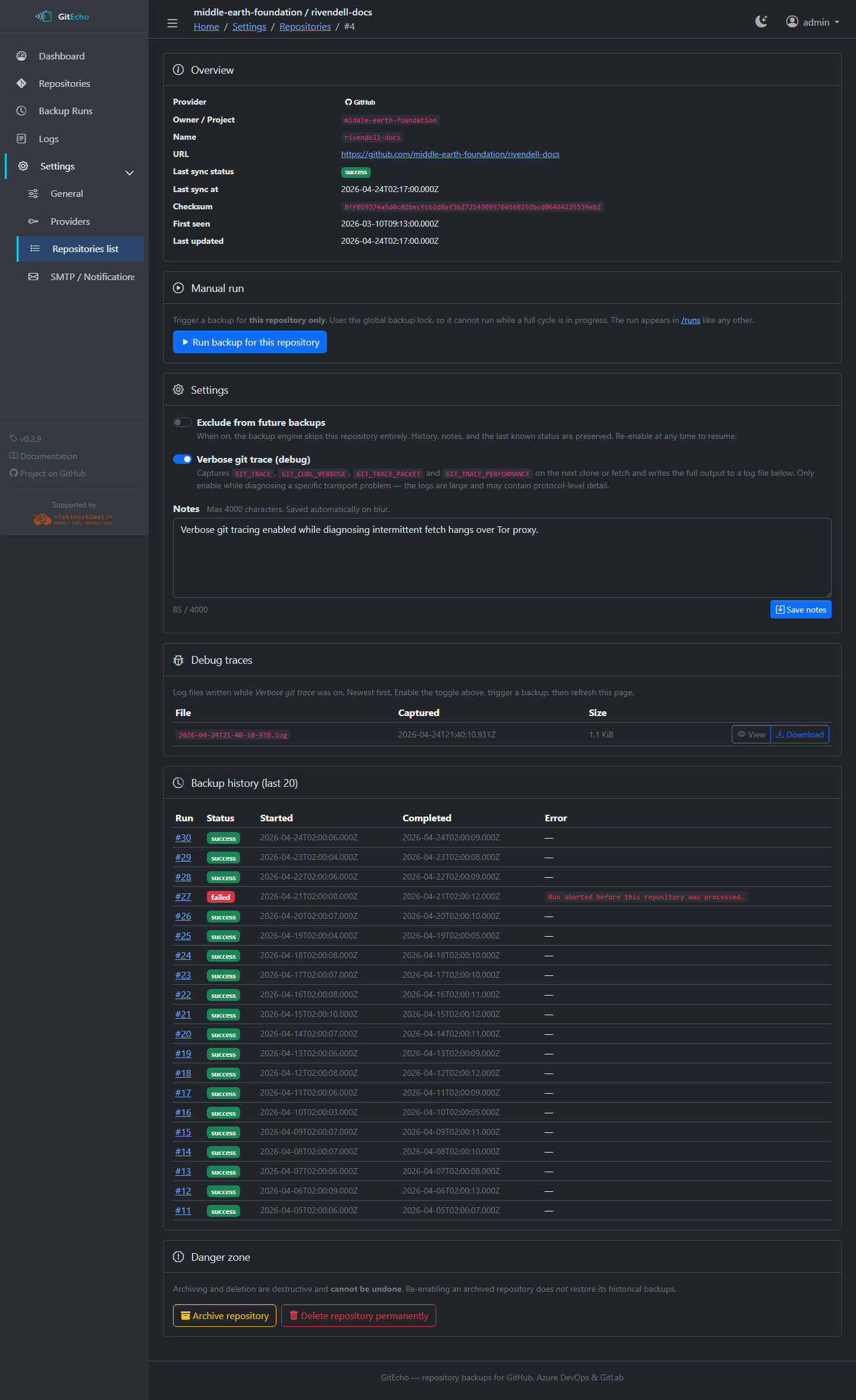
-
Trigger a backup (scheduled or manual)
-
Download the captured log from the Debug traces card
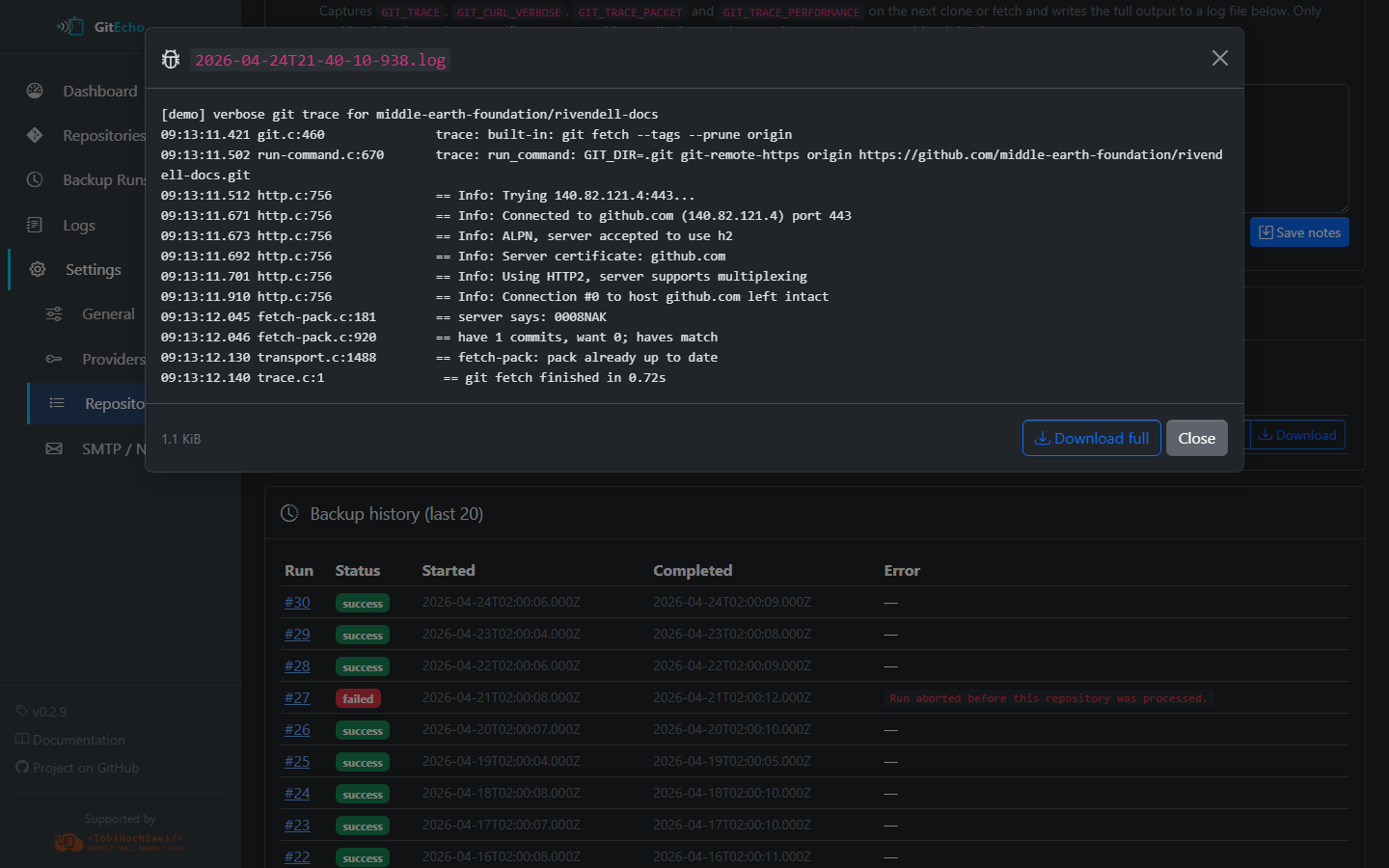
-
The log contains full
GIT_TRACE,GIT_CURL_VERBOSE,GIT_TRACE_PACKET, and timing information - Turn the toggle off when done — traces can be tens of MiB
Common root causes:
- Docker bridge MTU (try setting
com.docker.network.driver.mtu: 1400) - ISP/DPI resetting long-running connections
- Container OOM during
index-packon large repos - Azure DevOps
dev.azure.comvs*.visualstudio.comrouting issues
Unavailable upstream repositories
When a repo can't be reached (deleted, renamed, made private, PAT unauthorized, 404/403):
- GitEcho continues the run for all remaining repositories
- The affected repo is marked with
unavailablestatus - Existing local backups are kept untouched — nothing is deleted
- Once the upstream becomes reachable again, the next successful backup transitions it back to
success
The dashboard surfaces a banner whenever any repo is in this state:
PAT expiry warnings
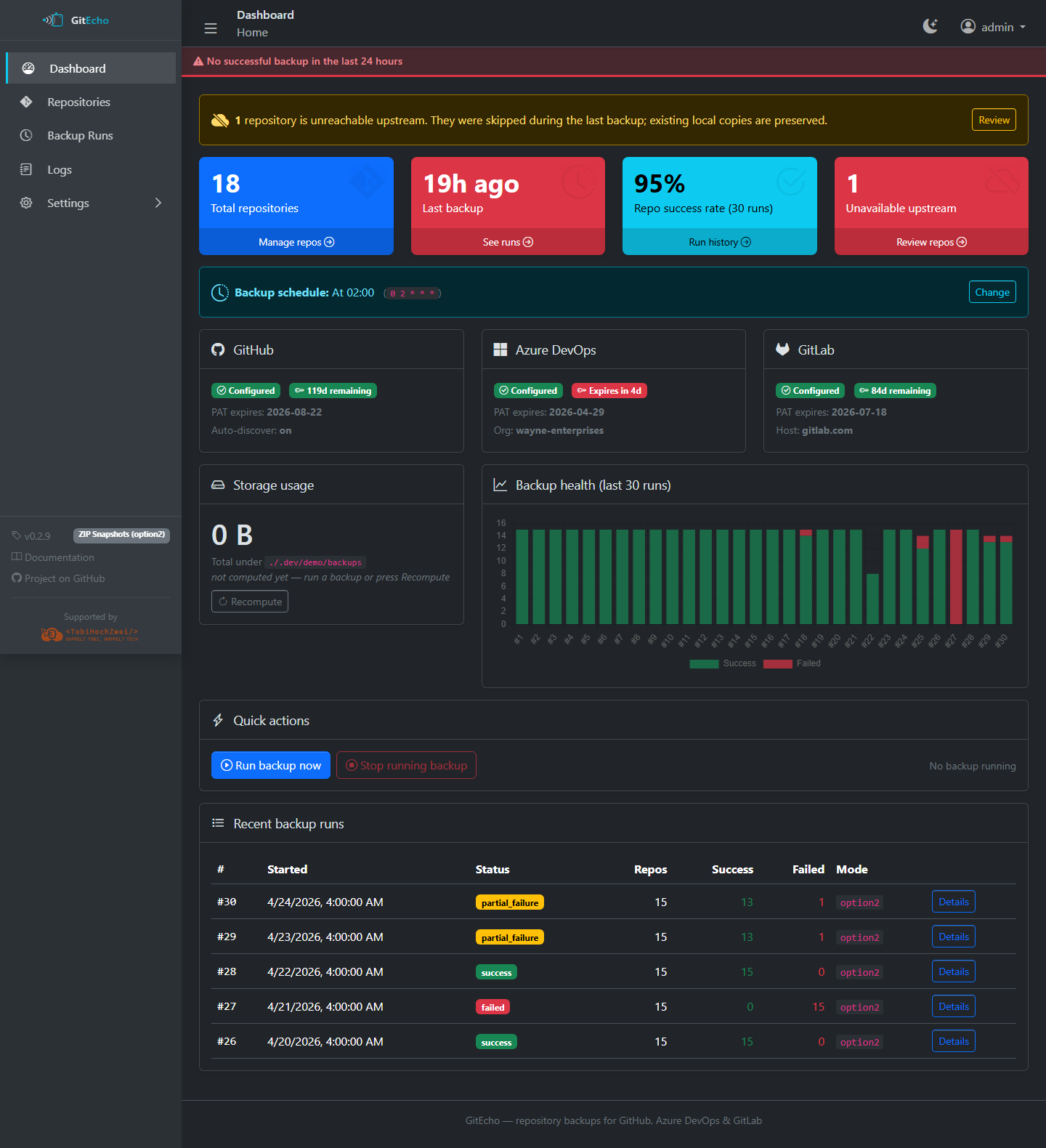
GitEcho records the expiration date you enter alongside each PAT and warns on the dashboard when one is within seven days of expiring.
Archiving vs. deleting a repository
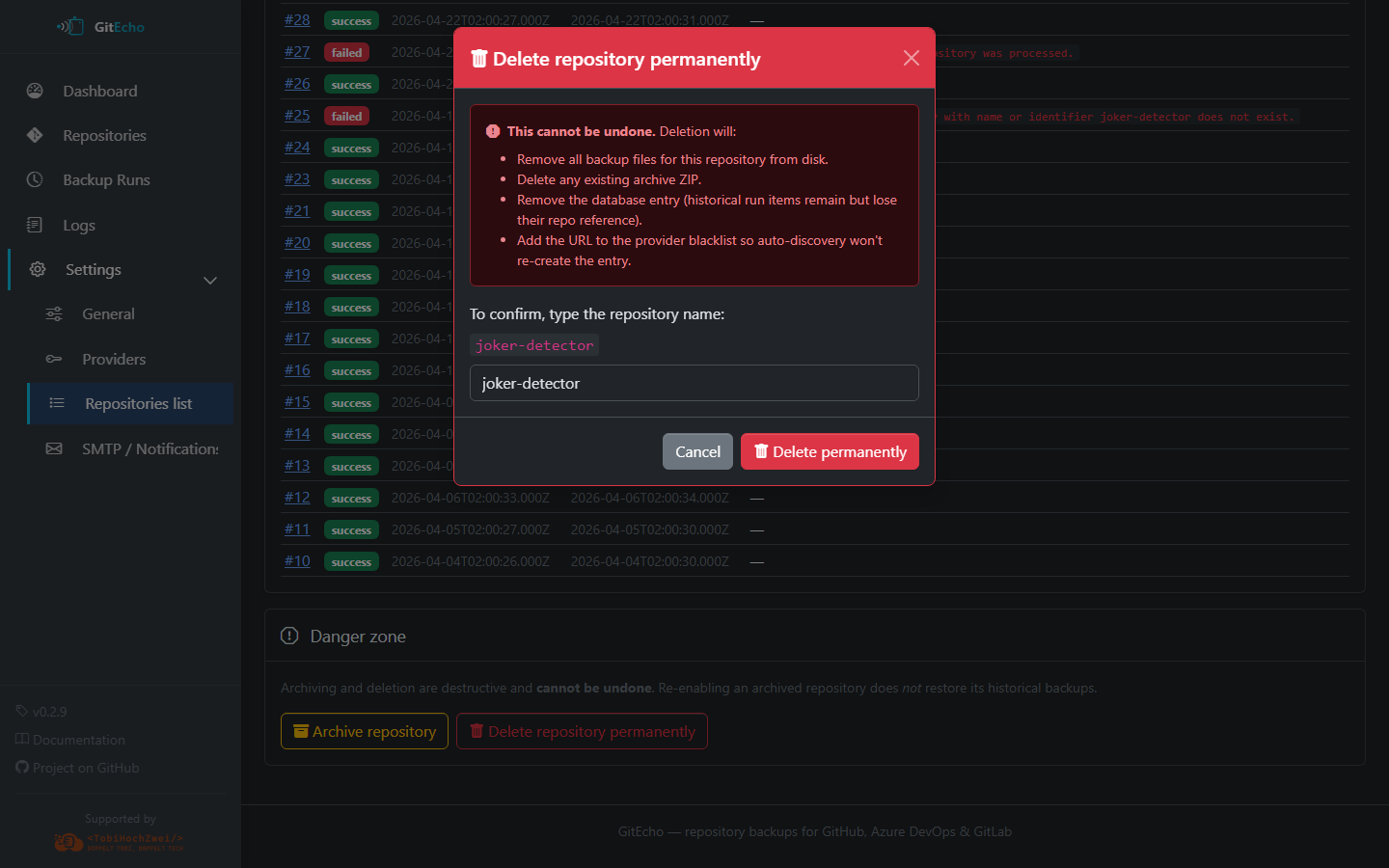
From Settings → Repositories → \<id>, the Danger Zone offers two terminal actions:
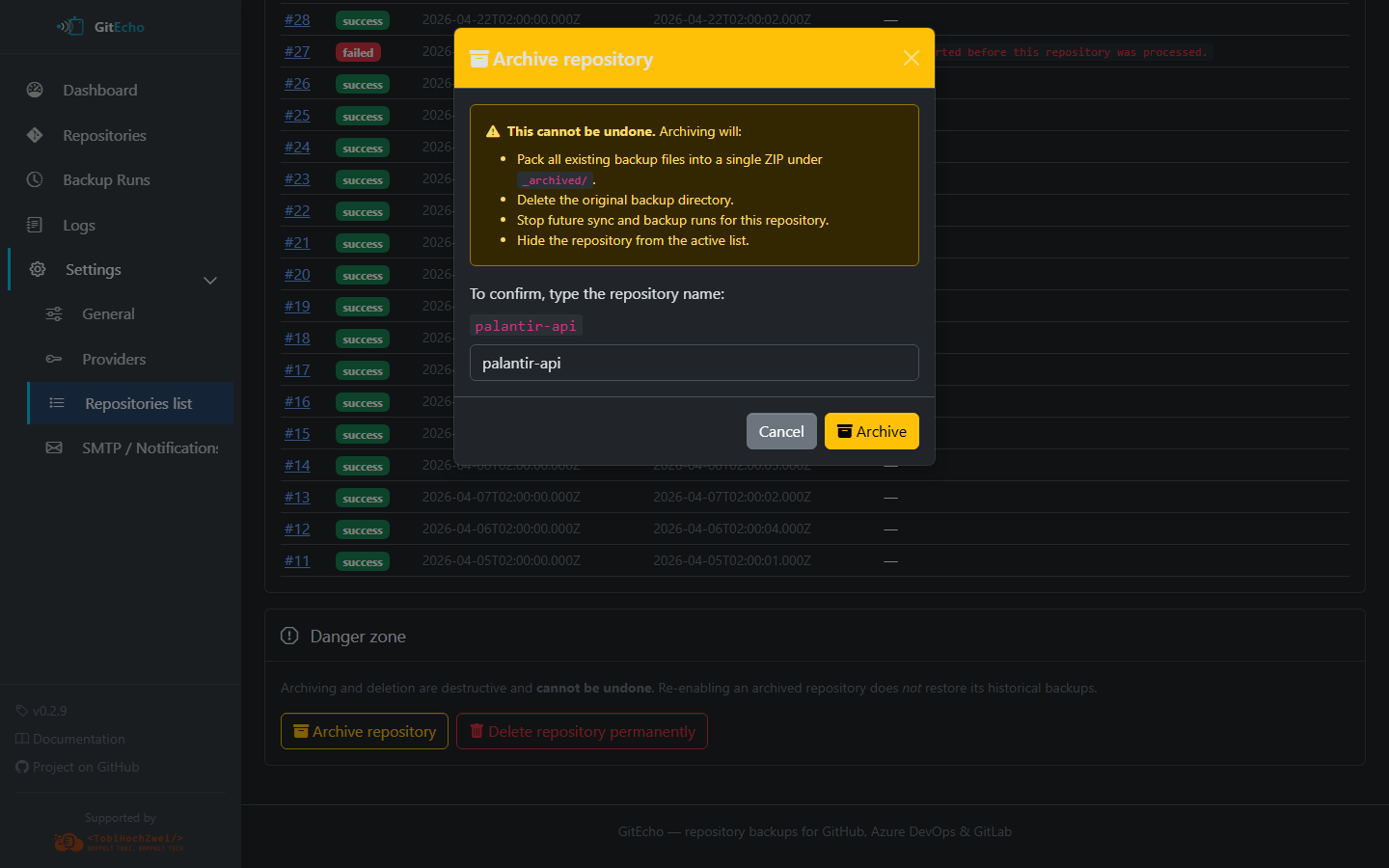
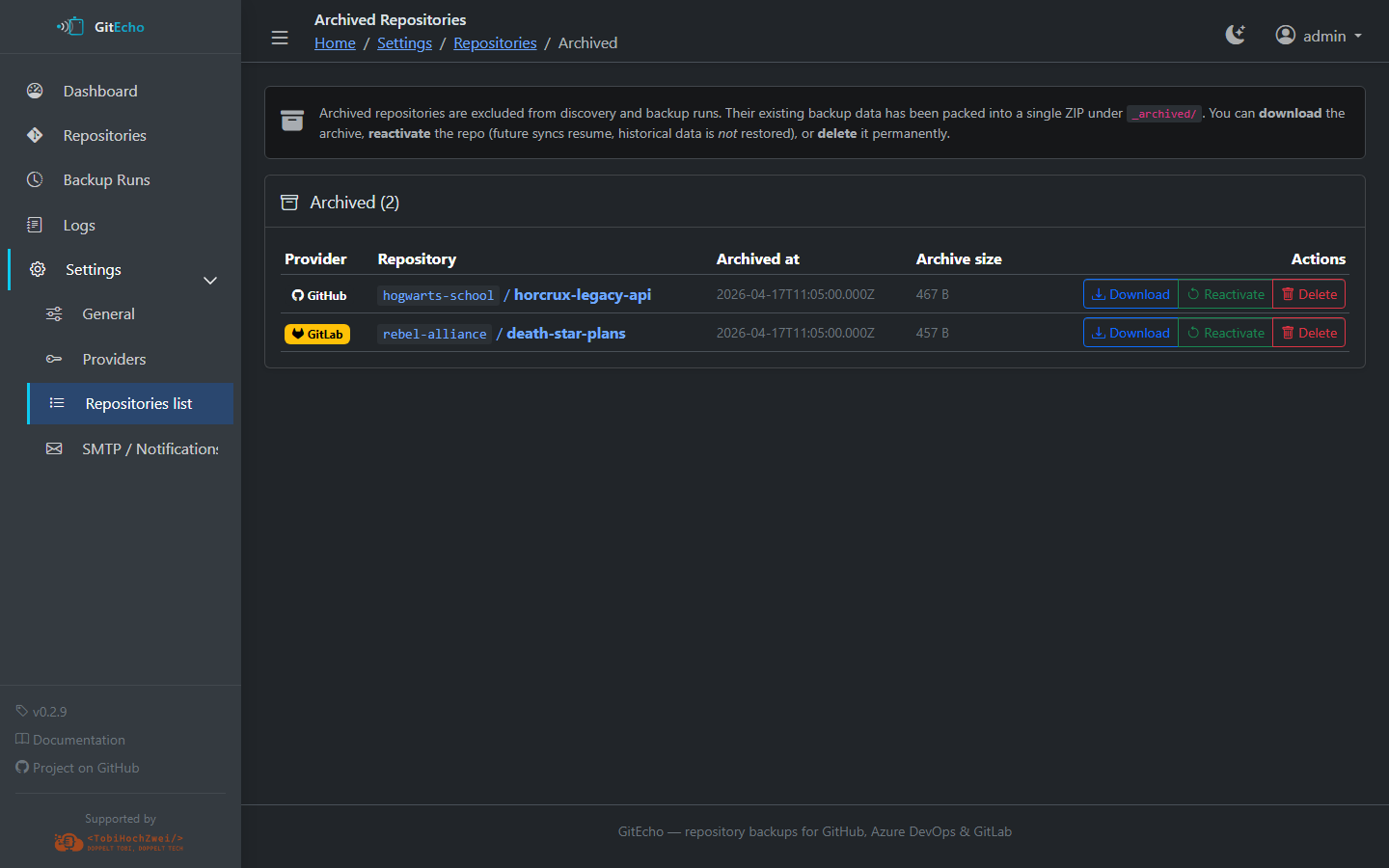
Moves any existing backup to /backups/_archived/<provider>/<owner>/<repo>/<timestamp>/
and stops further backup attempts. The repo is hidden from auto-discovery and the
main repos list, but stays available under Settings → Repositories → Archived
so you can review or unarchive it later. Confirmation requires re-typing the repo slug.
Removes the repository from the database and deletes every on-disk artifact
under /backups/<provider>/<owner>/<repo>/. There is no undo. Confirmation
also requires re-typing the repo slug.
Cleaning up repos.txt
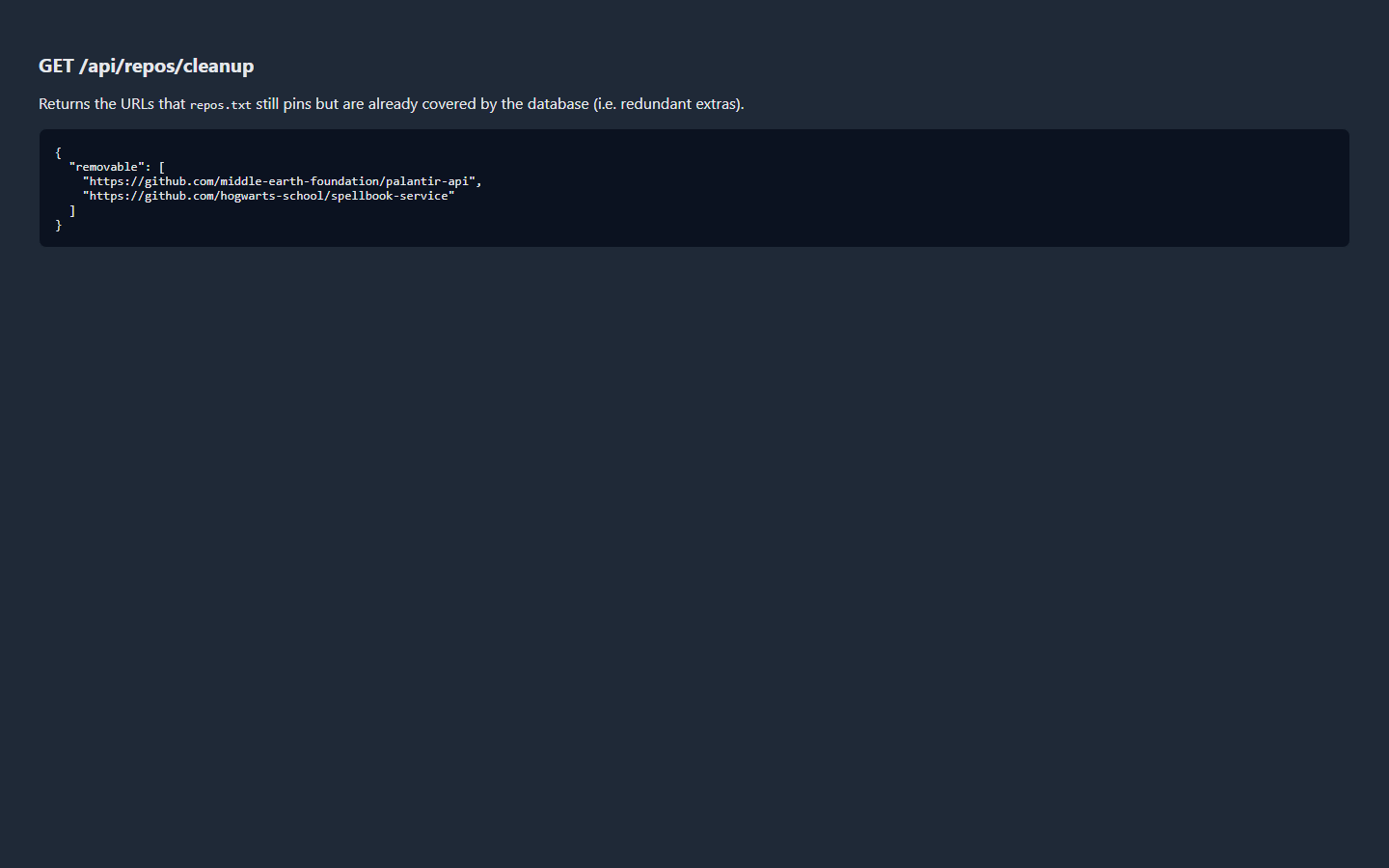
If an entry in repos.txt duplicates a repository the active PAT can already discover,
GitEcho flags it as redundant. Open Settings → Repositories → Cleanup to review and
remove redundant entries in one shot.
CLI Tools
gh: command not found
Cause: GitHub CLI is not installed. Inside the container, it's pre-installed. This error appears in local development.
Fix: Install GitHub CLI: brew install gh or visit cli.github.com
glab: command not found
Cause: GitLab CLI is installed inside the Docker image but may not be present locally.
Fix: For local development, glab is optional — the Astro dev server uses the GitLab REST API directly. Install via brew install glab if needed.
better-sqlite3 native binary error
Cause: The bundled binary may be missing, or incompatible with the operating system, architecture or libc. Version 13 uses Node-API, so changing between supported Node 24 and 26 does not inherently require separate SQLite binaries.
Fix: Use the project's Node 24 LTS default (nvm install then nvm use from the repository root), or supported Node 26, and run npm ci. Inspect the native loading error for platform/libc incompatibilities. If your platform requires compilation, follow the upstream build instructions; installing Python and a C++ toolchain alone does not make npm build the package automatically.
If npm ci unexpectedly invokes node-gyp rebuild for this package, use npm 11.19.0 or newer and preserve the project's allowScripts denial for better-sqlite3. The bundled binaries do not require that implicit build. Do not bypass the policy with a blanket script-approval flag.
Cron Schedule
Schedule changed but worker still uses the old one
Cause: The cron schedule is bound at worker startup.
Fix: Restart the worker process:
# Docker
docker compose restart gitecho

# Local development
# Restart the npm run worker:dev terminal
Network / Proxy
403 Forbidden on save/delete actions behind a reverse proxy
Cause: The browser's Origin header doesn't match the container's internal host, and PUBLIC_URL is not set.
Fix: Set PUBLIC_URL to your external URL(s):